0:01
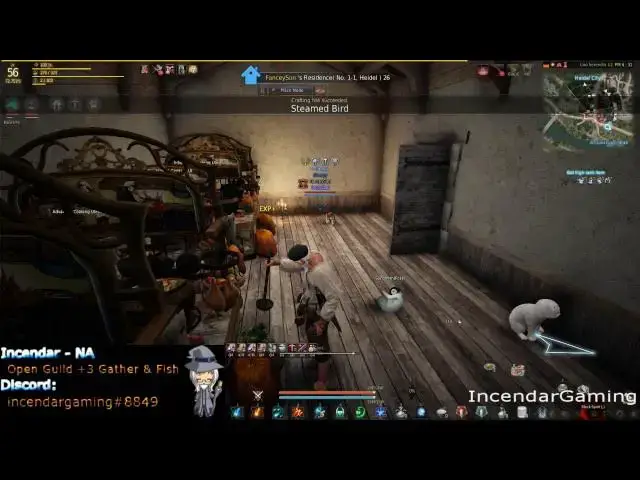
hey YouTube and sendar here with another
0:03
Black Desert video I've seen it come up
0:06
a couple times that uh people are having
0:09
trouble running Chrome Internet Explorer
0:11
Firefox at the same time they're playing
0:13
this game and there is actually some
0:15
truth to it eating up RAM and lowering
0:17
your frame rate and making the game Run
0:19
worse it's kind of interesting I'm going
0:21
to show how to fix that on all the three
0:26
browsers and yeah you should get some
0:28
better quality gameplay or you know if
0:31
you're not able to even
0:32
use uh browsers while you're playing
0:34
this will probably fix that too so the
0:37
first thing I'm going to pull up here is
0:39
Chrome settings in the top
0:42
right and then you want to come down
0:45
here to settings and all the way at the
0:47
bottom you'll see advanced settings so
0:50
just click that and then go all the way
0:53
down here and you'll see this box use
0:55
Hardware acceleration when available you
0:58
want to make sure this is off
1:00
what this will do if you're watching
1:02
like 1080 videos on YouTube it might
1:04
slow down so you're going to have to
1:05
check on that but when you turn this off
1:07
it stops using your uh video card and
1:11
some of your Hardware so the game will
1:12
actually run better so if you're having
1:14
issues with chrome is you know eating up
1:16
all your RAM or crashing the game or
1:17
making the game Run bad just try that
1:19
setting and you have to restart and see
1:23
fixes so that's for Chrome for Internet
1:27
Explorer again you want to go to
1:28
settings and you'll notice at the top
1:32
graphics and you want to try using used
1:35
software rendering instead of GPU
1:37
rendering so just doing that and again
1:40
like with chrome you should notice a
1:42
increase or compatibility with the game
1:45
the game should run better so try that
1:50
Explorer and then for
1:53
Firefox you'll see down here under
1:55
browsing in the advanced
1:58
tab use Hardware acceleration when
2:00
available and uncheck that
2:02
too I think with uh on Chrome you might
2:05
have to restart or with Internet
2:07
Explorer you might have to restart your
2:08
computer but usually just restarting the
2:09
browser works but you might want to try
2:11
restarting your computer too and you
2:13
should notice the game Run better with
2:14
these off and then you can also have
2:16
your browser up you know watching
2:17
YouTube or whatever while you're
2:19
playing uh if you have any other
2:21
browsers I guess just leave a comment
2:23
I'll I can uh look into that and see
2:26
what how to fix that too hopefully this
2:28
will help you guys out and anybody
2:29
that's you know some people are even
2:30
having crashes from this from uh
2:32
especially Chrome so hopefully this will
2:35
resolve everybody's issues uh subscribe
2:37
for notifications for more stuff and
2:39
thanks a lot for watching