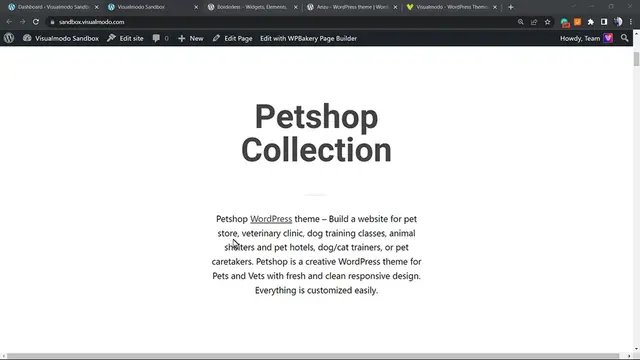

How to Remove WordPress Icon from Browser Tab_ Easy Tutorial
Dec 30, 2023

Title: "Effortless Tutorial: Removing the WordPress Icon from Your Browser Tab"
Description:
In this straightforward tutorial, we guide you through the simple steps to remove the default WordPress icon from your browser tab. Many WordPress users find the default icon distracting or want to replace it with a custom one that aligns with their brand identity. With our easy-to-follow instructions, you'll be able to customize your website's tab appearance quickly and efficiently.
? Key Tutorial Highlights:
1. **Introduction:**
- Brief overview of the importance of customizing your website's tab icon.
- Explanation of why users might want to replace the default WordPress icon.
2. **Step-by-Step Instructions:**
- Clear and concise steps to guide users through the process.
- Visual aids to enhance understanding, ensuring users can follow along seamlessly.
- No technical jargon – perfect for beginners and experienced WordPress users alike.
3. **Customization Options:**
- Explore different customization options for your website's tab icon.
- Tips on selecting or creating an icon that resonates with your brand.
4. **Benefits of Icon Customization:**
- Showcase the advantages of having a unique tab icon for your WordPress site.
- Enhance your website's professional appearance and user experience.
5. **Troubleshooting Tips:**
- Common issues users may encounter and how to overcome them.
- Addressing potential concerns to ensure a smooth customization process.
6. **Conclusion:**
- Recap of the key steps covered in the tutorial.
- Encouragement to share the tutorial with others who may find it helpful.
Whether you're a WordPress novice or an experienced user looking to enhance your website's aesthetics, this tutorial empowers you to take control of your site's tab icon. Watch, follow along, and transform your WordPress tab icon with ease. Don't forget to like, subscribe, and share for more valuable tutorials!
Show More Show Less