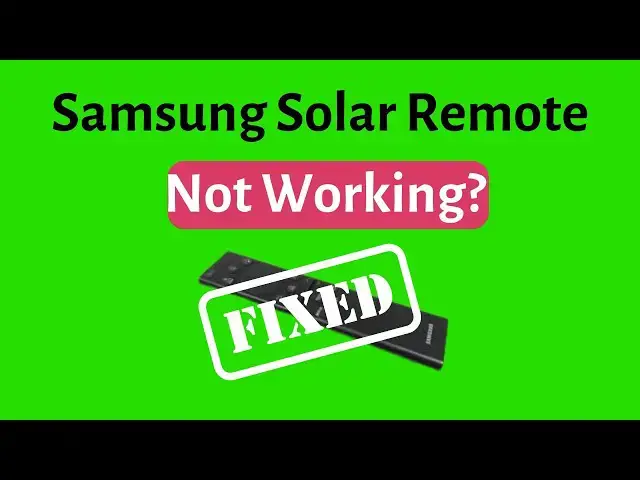

📺🔆 Samsung Solar Remote Not Working? Here’s How to Fix It! 🔄🔋Second Method 2025
Mar 18, 2025
📺🔆 Samsung Solar Remote Not Working? Here’s How to Fix It! 🔄🔋
Is your Samsung Solar Remote not responding? Don’t worry! In this video, we’ll guide you through quick and easy troubleshooting steps to get your remote working again. Whether it’s a charging issue, pairing problem, or something else, we’ve got you covered!
👉 Watch till the end to make sure you don’t miss any important steps! If this helped, don’t forget to like 👍, subscribe 🔔, and share with others facing the same issue!
If still your Samsung Solar Remote is not working, try these troubleshooting steps to get it back up and running:
🔋 1. Check the Battery & Charge It
The remote charges via solar power or USB-C.
Place it under direct sunlight or a bright light for a few hours.
If charging via USB-C, plug it in for at least 30 minutes and try again.
🔄 2. Reset the Remote
Press and hold the Back (⏪) + Up (⬆) buttons together for about 10 seconds to reset the remote.
📺 3. Re-pair with the TV
Point the remote at your TV and press Back + Play/Pause buttons for 3-5 seconds to re-sync.
🔦 4. Check for Obstructions & Interference
Make sure there’s nothing blocking the remote’s infrared (IR) sensor.
Move any other wireless devices away to reduce interference.
🔄 5. Test with a Different Remote
If possible, try using a different remote to check if the TV is responding.
⚙️ 6. Update TV Software
Go to Settings - Support - Software Update and ensure your TV has the latest firmware.
Show More Show Less #TV & Video Equipment