live_tv
Livestream Starting Soon
00
Hours
:
00
Minutes
:
00
Seconds
Up next in 10


How To WAKE UP With ENERGY In The MORNING (Wake Up To Your FAVORITE SONG)
Show More Show Less View Video Transcript
0:00
Welcome everybody into this new tutorial
0:02
So you may have a little bit of trouble waking up with energy in the morning. Some studies reveal that it's a little bit easier to wake up in the morning choosing
0:09
your favorite song. But sometimes in your phone, let's say for example in your iPhone, you have just limited
0:14
sounds that you can choose but you cannot choose any specific song, unless you have
0:18
an Apple Music subscription, which in our case we don't. But Spotify on the other hand is totally for free
0:24
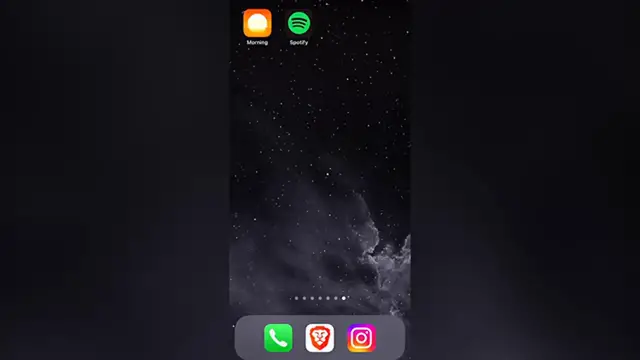
So all you want to do is to use this great application called Morning
0:28
This morning is going to be helping us merging our favorite song into our alarm and this
0:33
will boost and increase a little bit more our energy when starting the day
0:37
So I'm going to leave you a link down below in the description so you can download this
0:41
application totally for free. There's a free subscription mode, but there's also a premium subscription
0:46
And if you're using the link that I'm going to leave you down below in the description
0:49
you can get up to 14 days free trial of the premium subscription of this application
0:55
So once you have both Spotify and Morning application, you want to first open Morning
1:00
So in here, let's set our first alarm and go into start. Once we've done that, we want to go into add new and we want to choose a source
1:08
In our case, just getting to logged in into Spotify. Once you're logged in, select the Spotify option, go into the search bar and look for
1:15
your favorite song. After you find it, just select that and go into the customize settings
1:20
You can choose all the default settings and if you're not okay with someone, you can change
1:25
for example, the audio volume. Let's say, for example, 20 seconds. After that, I want to go into back and go into done
1:34
Keep the charger connected. The application says this is just a reminder. I want to go into okay and my alarm has been set already
1:41
We can now log our phone and go to bed. If you need help with falling asleep, you can always choose this option
1:47
So the application is going to be helping you and sending you some nature sounds in order for you to fall asleep and you're good to go
1:54
If you want to change something, you can go into your profile and scroll until you find
1:58
the alarm on the fall asleep section when you can edit your settings
2:01
And there you have it guys. So once again, I'm going to leave you a link down below in the description of this great
2:06
application and you can redeem your 14 days free trial of this subscription mode and take
2:11
a look at more settings. So hopefully this was a very useful video for you
2:15
Don't forget to like and subscribe. Thank you so much for watching this video and I'll see you guys next time
#Music Streams & Downloads
#Online Communities