live_tv
Livestream Starting Soon
00
Hours
:
00
Minutes
:
00
Seconds
Up next in 10


How To Pay Shopify Plan With Paypal (Very Easy) Tutorial Step by Step
Show More Show Less View Video Transcript
0:00
Welcome everybody into this new tutorial
0:02
In this tutorial, I'm going to show you how you can pay for your Shopify account using a
0:06
PayPal account. Just in case you don't have a account on Shopify, I'm going to leave you idea down below
0:12
in the description so you can have a total access of 14 free trial days, totally for free
0:18
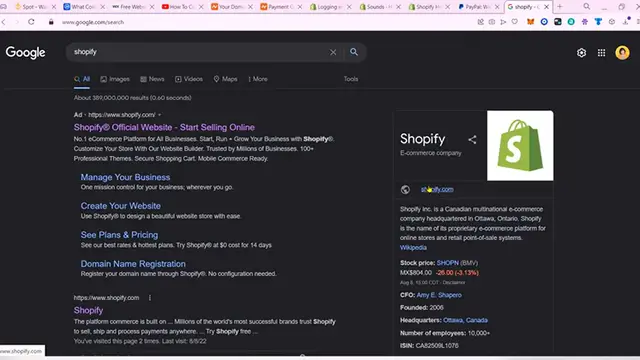
once again into Shopify. Now just in case you want to sign into your Shopify account, you want to go into your Google Shopify
0:26
sign in. And now after you locked in, you want to locate here for a Shopify
0:29
your admin trading section and you might see here all your stores
0:34
Then you can go into your account. In my case, I want to choose my store, which is right in here
0:40
And after that, we want to locate here this little option. It says settings
0:45
Now, once you find this option, you want to look for the billing section, it's right in here
0:49
And what I want to do is to locate the payment method, which is right in here
0:54
Now what we want to do is to go into the add payment method. And in here it says payment method type
0:59
I want to choose this option and I want to change that for PayPal. Now as you can see, it says connect your PayPal account and use it to pay your bills
1:08
In my case I want to open a new tab and locked into my PayPal account so I can be doing this a little bit more faster After that I want to pay this with PayPal and as you can see it going to be popping up a new
1:20
notification window where I need to select a specific card if you want to continue
1:27
So just get into continue once again. And as you can see, your payment method is now been successfully done
1:33
In these descriptions, you might see that the Shopify plan has been added successfully
1:37
If you want to change that, you can always go into view all. And you can see there are a bunch of subscription that you can change
1:43
In our case, let's try to you select a plan. And just in case you're willing to change from one into another one
1:49
you can always choose this plan section, and it's going to be updated right away
1:55
So there you have it, guys, it was in dot hot, just in case you have any question. You can leave it down below in the comment section
2:00
Don't forget to like and subscribe to the channel if you want to see more about this Shopify application
2:06
And just in case you have any questions, and a specific question with a Shopify, you can always go into your account
2:11
and look for the Shopify Help Center. So these guys can be helping you 24-7
2:16
specifically speaking about something or some tools inside Shopify. I'll see you guys next time
#Shopping
#Other
#Home Office