Up next in 10


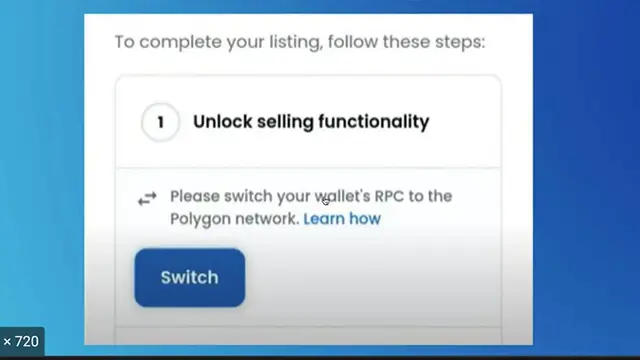
How to Fix Unlock Selling Functionality Error on Opensea (IT WORKS!!!)
Show More Show Less View Video Transcript
0:00
How to fix the unlock selling functionality
0:05
If you're seeing this kind of issue, you most likely probably need to add the Polygon network
0:10
into your MetaMask account. So that might be the reason why this won't let us continue
0:15
Okay, so right in here, I have my OpenSea already account opened. So what I want to do is to go into
0:21
my MetaMask and select all the networks that are available into my account. And as you can see
0:28
I must be using Polygon. So we don't have that available. So let's go ahead and to add network
0:34
So it's going to be popping up a new content. So we have to retrieve the information about
0:39
the Polygon network, just go into a new tab and tap the Polygon network to MetaMask. So what's
0:46
going to happen is they're going to be popping up a article from academia.finance.com. So let's
0:51
click in here. And what you guys want to do after you clicked in this article, you want to scroll
0:56
down until you find this information that is actually in here says you'll need to add the
1:01
following details on the network page. So what we want to do is to simple copy all this information
1:07
and paste it right in here. So we can add our new Polygon network. So once you finish copying and
1:14
pasting all the information you guys, you guys want to head into save. And as you can see, this
1:19
is the Polygon network that is now available into my MetaMask. So let's go back into our OpenSea
1:25
and try to use your MetaMask. Let's go into our networks and switch that into Polygon. Now if you
1:33
try to use the same functionality, the problem will be solved right away guys. But just in case
1:39
you still see this arrow, just hit into switch. And this will automatically change the MetaMask
1:45
network into the Polygon network. So there you have it guys. Don't forget to like and subscribe
1:50
to the channel if you want to see more about MetaMask or OpenSea. Thank you for watching the
1:54
video and I'll see you guys in the next one
#Online Communities