Up next in 10


How to Convert USDT to TRX in Tronlink (Step by Step)
Show More Show Less View Video Transcript
0:00
Hey guys, welcome into this new video in this tutorial
0:02
Let's take a look how you can make conversions here of tokens using your trial link wallet
0:07
So in this specific tutorial, let's take a look how we can convert USDT to the throne
0:13
Token here. So first of all as you can see I have my wallet already
0:18
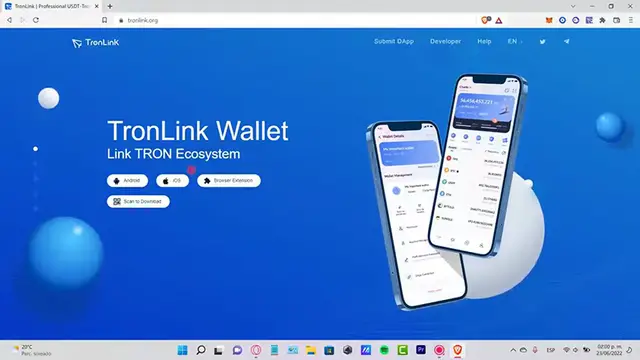
Added as an extension here. So if you don't have that yet Just go into throne wallet link so you can download whether that will be from your Android from browser extension
0:26
And you can import here your wallet So first of all, what you guys need to do is to look for the USDT token
0:33
If you go into your assets, you're gonna see that there's a plus button
0:37
So if you select this one, you can put the symbol here as you can see
0:41
Here's the USDT but just in case if you don't see it go and select the token
0:45
You still gonna just write it up there and as you can see here is I'm gonna go into the plus
0:51
Button here so I can go into cancel it and I can see the USDT Theta. It's now into my asset
0:58
So what I want to do is to select here The token and I should be having just a few tokens of USDT in order for make transaction here
1:05
So after you select that you want to go into the more Section and look for the swap section and this one is gonna be redirecting us into the sun swap
1:14
Dot-com so what you guys need to do is to connect your wallet here. I'm gonna select my trolling wallet
1:20
It is initializing here and it's gonna be popping up a new notification window
1:26
We have to connect here my sun swap calm so as you can see here is what we were looking for we want to select the amount of
1:35
USDT so let's go and look for the USDT as you can see here is and
1:40
And the tone token here so after you put the amount of money that you want to be converting here is gonna be appearing the
1:47
Token the amount of money the man received the price impact and the transaction fee as you can see
1:53
It's really really low so you can guys go ahead and select the option. It says convert your tokens here
1:59
So after you make the transaction guys, you may want to go back into your throne wallet
2:04
So you can see the transaction has been done successfully here So if you had a few USDT token now
2:10
You should see that this one is being converted now into the TRX and you should see the transaction now available here into your wallet
2:18
So there you have it guys. Just let me know if you have any question Don't forget to Like and subscribe to the channel guys if you want to see more about Throne Wallet
2:24
Thank you for watching the video and I'll see you guys next time
#Software
#Web Services