Up next in 10


How To Check Your Order History on Kucoin (Step by Step)
Show More Show Less View Video Transcript
0:00
Hello guys, welcome to this new video, so this one is going to be a really quick tutorial
0:03
I'm going to show you how you can check into your order history here
0:09
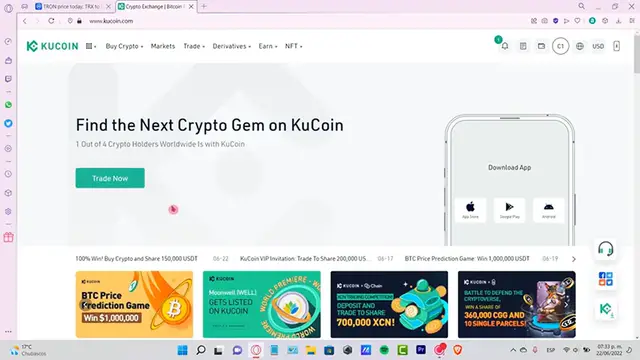
So once you are into Kucoin, the first thing you want to do is to go into the notifications
0:14
so you can check out what kind of transactions you've made so far
0:18
If you have deleted all of those, it's ok, you're going to go into this icon that is
0:24
right at the left of your wallet, which it says Spot Trade History, the Marching Trade
0:30
History and the Futures Trade History. So these are 3 different wallets that are inside your Kucoin, so if you are most likely
0:37
to use your Spot Trade History, then select this one, and you're going to see your transaction
0:43
has been so far. So here what we can do is to see the order history from maybe 1 month, 3 months, a year
0:50
or you can customize it. So I'm going to put a year, you can put in pairs, you can put all the pairs, you can
0:55
choose for the side and the type. This one is just for filtering, just in case you want to look for a specific token or a
1:03
specific purchase, transactions you've made maybe a few weeks ago, or even a year
1:09
So as you can see here we have the side of your history and the kind of type, I mean
1:15
the type of the transaction, the amount it was when it was executed and the reference
1:22
average price, which is right in here. So at the last you see the completed status which is right in here
1:28
If you want to change from another one, you can change to the Trade History, and once
1:32
again I'm going to put in 1 year to see all the transactions I've done so far
1:37
If you want you can export this into a CSV file, which you can use later
1:42
So I'm going to put in a year, I can put all the pairs and all the side, all the type
1:48
here so I can confirm this. And here is my file, so I can click in this little cloud, it's going to be sending me
1:56
into this new Excel here. So I can open this real quick so I can see here that this is my..
2:03
So guys, this is all the information that you can get from your KuCoin here account
2:10
or you can scroll down and go into contact us, so you can be sending some technical support
2:16
about a specific purchase that you just made that you can't see in your account guys
2:20
So let me know if you have any questions, don't forget to like and subscribe to the channel guys if you want to see more about KuCoin
2:25
Thank you for watching the video, and I'll see you guys next time
#Business & Industrial
#Finance
#Commodities & Futures Trading