Up next in 10


How To Add WhatsApp Floating Button in WordPress For FREE (2024) Tutorial
Show More Show Less View Video Transcript
0:00
Alright everybody, we've already seen how we can add a lot of stuff here into our own
0:05
blogs from WordPress. But if you want to add, let's say for example, these custom custom WhatsApp stuff here into
0:13
our own store, I'm going to be showing you how we can do this, what you want to do after
0:17
you are now into WordPress, I'm going to go into the x mark, I'm going to go into the
0:22
backside like this, I'm going to leave in here I want to locate the page that I want
0:28
to add the actual WhatsApp. So there's two ways that we can do this, what you can do if you have the enough media, you
0:37
can go into the pages, you can go into in here, you can go into edit
0:42
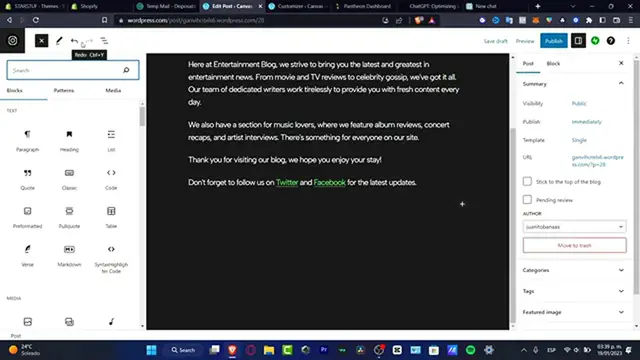
And once you are into the edit part, you want to go into the add blocks
0:46
In here into the blocks, you want to go for the actual patterns
0:50
So whether you can choose to explore all the patterns, so you can look out for blocks
0:55
So here is going to be appearing the WhatsApp button. So what I just need to do is to drag and drop this one in here
1:02
And as you can see, we do have the chat on WhatsApp, or let's say contact us, delete
1:09
the chat pod on WhatsApp, like that. And I'm going to leave this like that
1:14
Or I can add another stuff, for example, contact with WhatsApp, contact with WhatsApp, contact
1:19
with WhatsApp like this, we're just going to drag and drop that in here
1:23
I'm going to delete this one, because I don't want to see this anymore, like this, and I'm
1:27
going to delete this file. There we go. Now, lastly, guys, if you want to add the actual WhatsApp inside your Canva inside your
1:37
actual website, what I can do is to go into the very first part of my dashboard, of course
1:44
you need a premium plan or a different plan in order to add that. But you can go into the plugins
1:49
And here into plugins, I can look out for WhatsApp. And here it says click to chat, click to chat application
1:57
And I can just click in here and I can just add this into my store
2:01
So this one is going to be redirecting me into the WhatsApp section, because it's going to be much more easier
2:06
But that's just two options. You can do this like a paid option or a free option, you can use whatever option you want
2:11
to do. Just take in mind that this one, of course, need to make an upgrade in the activation
2:16
of your store in order to work. So with that being said, guys, we're reaching to the very end of the video
2:21
So don't forget to like and subscribe to this channel if you want to see more great free
2:26
and paid tools for WordPress. So thank you once again for watching this video, guys
2:32
And I will see you on the next video. See you soon
#Business & Productivity Software
#Freeware & Shareware