0:00
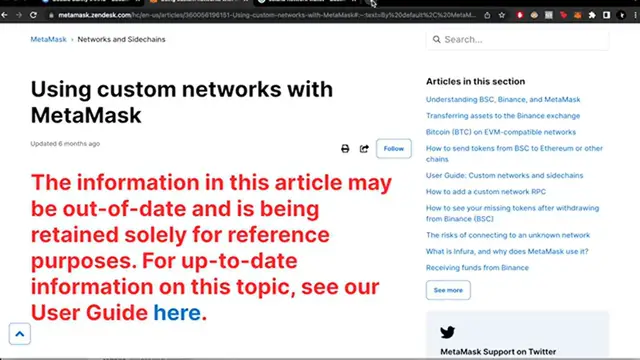
Is there a way that we can add a few of these networks on Metamask
0:07
Hey guys, welcome to Crypto Express In today's video we're gonna see if we're able to work with this kind of networks using Metamask
0:15
So it seems like, for example, you're trying to use the Oasis network into Metamask
0:22
but you just don't seem to find a contract around here So if you go to Google, you can usually go like Oasis a network
0:31
I found this information about the contract here on Metamask So I'm gonna try to use this custom RPC
0:40
So we open our Metamask wallet, we open our networks and we go to add network
0:47
So it would be as easy as copy this information and paste it right in here
0:51
So once I finish and here you can see that the mainnet of Emerald has been added into the networks
0:58
But let's see if you want to add another one like Solana network wallet
1:02
So if you're trying to find one of those networks that I have in here and you can find the contract to import it to Metamask
1:09
What I can advise you is that you can guys in Google, you can tap like, I don't know, Solana network
1:15
and then you just click on wallet and we just have to scroll down to see what kind of crypto wallet can work with this network
1:23
In this case, that would be phantom guys So that's a very quick advice that I can give you with this kind of unusual networks guys
1:31
Don't forget to like this video and subscribe to this channel If you'd like to see more content about NFTs and cryptos
1:37
That would be all for today See you on the next video