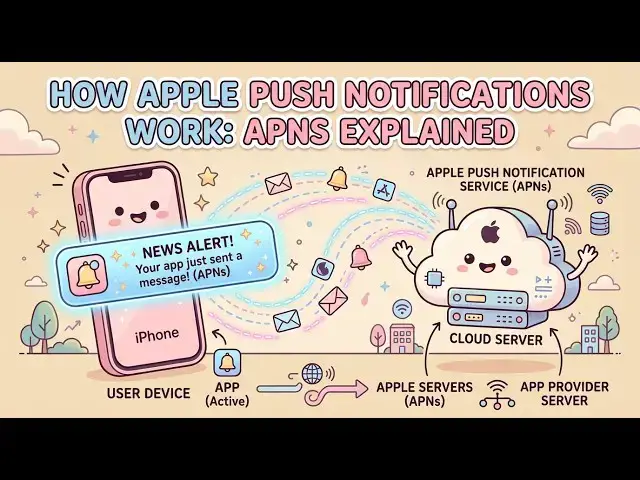

How Apple Push Notifications Work: APNs Explained
Oct 24, 2026
Your phone buzzes, and a message appears on the lock screen — even though the app is closed. How did that notification find your device out of billions? This video explains Apple Push Notification service (APNs), the shared encrypted channel Apple built so apps don’t have to poll servers or keep separate connections open.
We walk through the four players involved — your provider server, APNs, the device, and the app — then follow the full flow: device registration and device tokens, provider authentication with P8 keys and ES256 JWTs (or TLS certificates), the HTTP/2 POST request, push headers like topic and priority, the JSON aps payload, APNs status codes, and final delivery over the device’s persistent connection.
Chapters:
00:00 — The lock-screen notification problem
00:09 — What APNs is
00:15 — Before push: polling and battery drain
00:27 — One shared encrypted always-on channel
00:35 — The four players in the APNs system
00:57 — Step 1: Registration and device tokens
01:22 — Step 2: Provider authentication (P8 + JWT / TLS)
01:49 — Step 3: The HTTP/2 push request
02:21 — APNs validation and status codes
02:44 — Step 4: Delivery to the device
Key ideas: Device tokens are unique addresses per app/device. Tokens can change, so refresh them. APNs accepts trusted providers only. A 200 means accepted, not delivered. 410 means the token is no longer valid. Payloads are limited to 4 KB, so send a hint and fetch details in the app.
#APNs #iOS #PushNotifications #AppleDeveloper #MobileBackend
Show More Show Less