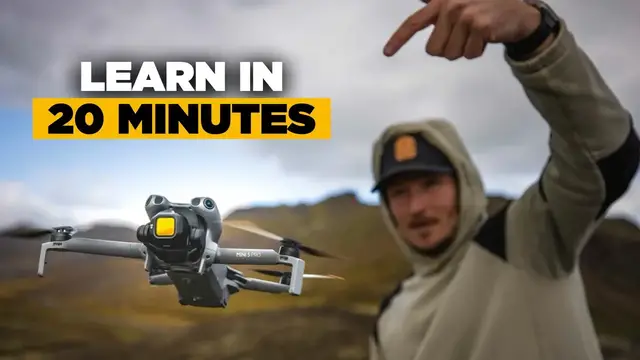

How to Edit Your First Cinematic Drone Video | FULL TUTORIAL
Sep 12, 2026


Download Movavi Video Editor 2026 for FREE! - https://mova.vi/mcgee
(Use code DANNY for 25% OFF your 1-year subscription)
How to use Movavi video editor to edit cinematic drone videos.
My Video Filter LUTS - https://www.mcgeemedia.co/luts
GEAR LINKS
GoPro Hero 13 (Use code MCGEE10 for 10% OFF) - https://bit.ly/3UW68Lx
DJI Avata 2 - https://bit.ly/3W25psh
Moz 7 Long range FPV - https://bit.ly/463tDab
Chimera 7 - https://bit.ly/3J7hC9L
Nazgul 5 - https://bit.ly/3J6SwYC
GoPro 12 - https://prf.hn/l/xnPmQD5
Helion - https://bit.ly/3RdD6F1
DJI Controller 2 - https://amzn.to/3XPGPKN
Tango 2 - https://amzn.to/49dbOpG
DJI Goggles 2 - https://amzn.to/3wgPw4P
Avata (Drone Only) - https://bit.ly/3R7sc1S
1500 6S Batteries - https://amzn.to/3NHxJh4
Long range battery - https://bit.ly/48VwDWK
3300 6S Batteries - https://amzn.to/3pdx0do
Find Me Elsewhere
IG - http://www.instagram.com/mcgee
TikTok - https://www.tiktok.com/@mcgeee
My Drone Merch
https://danny-mcgee-shop.fourthwall.com/
Music + SFX by Artlist - ( get 2 months free through this link! ) - http://bit.ly/2K1EXu8
Comment below if you have any questions
For business enquires contact me here:
[email protected]
0:00 - Intro
1:32 - Download
2:06 - Walkthrough
2:39 - Import
3:07 - Build your selects timeline
4:58 - How to structure your video
5:39 - Adding / cutting to music
10:31 - Cropping
12:15 - Transitions
12:54 - Color grading
15:05 - Adding text
15:55 - Export settings
16:30 - Bonus effect - Cut silences
17:15 - Bonus effect - Auto subtitles
18:05 - Final result
18:35 - Discount code
Show More Show Less