
how to uninstall softwares on mac completely.(NO SOFTWARES)
Dec 8, 2023

In this video I will show you how to uninstall apps/programs/softwares/files completely on mac.Sometimes it is very difficult to find from where to uninstall the programs in mac or os.
I will show you three methods about how to uninstall or remove ,programs/files/softwares/apps completely on mac.
STEP 1
-Go to your launchpad to uninstall the app.
-Click on the launchpad.
-Click and hold for few seconds until cross sign appears on the app which you want to uninstall or remove from your mac.
-Click on the cross sign to completely uninstall the softwares from the mac.
STEP 2
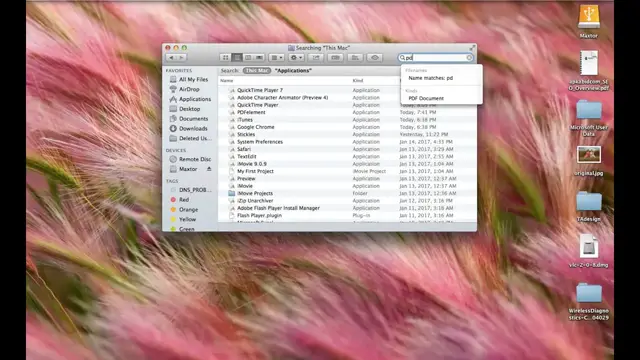
-Go to Finder and click on finder to uninstall the app .
-Click on application.
-Go to the search box in the above and type the name of the application or software you want to delete.
-Click on the +sign
-Click where kind is shown.
-Select system files and beside that aren't included is selected ,make it are included.
-Now select all the files by press CMD +A and move those selected part to trash to completely uninstall those files from your mac.
STEP 3
-Go to chrome.
Show More Show Less #Operating Systems
#Software Utilities
#Web Design & Development
#Other