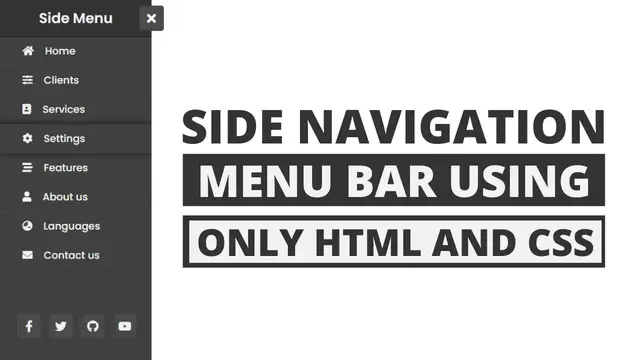

How to Create Side Navigation Bar in HTML and CSS
Aug 9, 2023

This video tutorial shows how to create a side navigation bar in HTML and CSS. A side navigation bar is a navigation bar that is located on the side of a web page. It allows users to navigate to different pages on the website without having to scroll to the top of the page.
The video begins by creating a basic HTML page with a side navigation bar. The CSS code then adds the styling to the side navigation bar, including the background color, the font, and the links. The JavaScript code then adds the functionality to open and close the side navigation bar when the user clicks on the hamburger icon.
The video concludes by showing the final result, which is a side navigation bar that is functional and stylish. The source code for the project is also provided, so that viewers can learn how to create the effect themselves.
Here are some of the key concepts covered in the video:
How to create a side navigation bar using HTML
How to add styling to a side navigation bar using CSS
The ul element
The li element
The a element
The :hover pseudo-class
How to create a hamburger icon using CSS
The display property
How to open and close the side navigation bar using JavaScript
The onclick event
Show More Show Less #Web Design & Development