
How to install Python 3.11 on Mac
Jul 12, 2023
Today Python version 3.11 has been released which is said to be 10% to 60% faster compared to its predecessor 3.10 version.
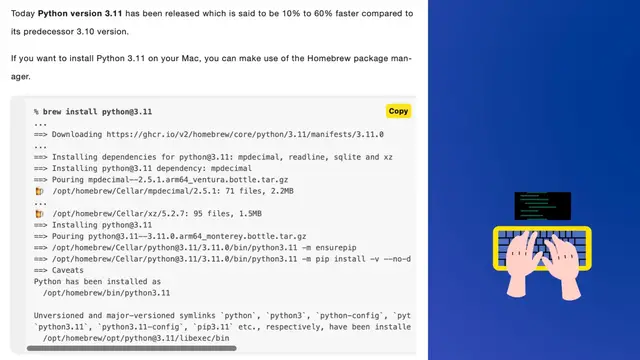
If you want to install Python 3.11 on your Mac, you can make use of the Homebrew package manager.
Copy
% brew install [email protected]
...
==> Downloading https://ghcr.io/v2/homebrew/core/python/3.11/manifests/3.11.0
...
==> Installing dependencies for [email protected]: mpdecimal, readline, sqlite and xz
==> Installing [email protected] dependency: mpdecimal
==> Pouring mpdecimal--2.5.1.arm64_ventura.bottle.tar.gz
🍺 /opt/homebrew/Cellar/mpdecimal/2.5.1: 71 files, 2.2MB
...
🍺 /opt/homebrew/Cellar/xz/5.2.7: 95 files, 1.5MB
==> Installing [email protected]
==> Pouring [email protected]_monterey.bottle.tar.gz
==> /opt/homebrew/Cellar/[email protected]/3.11.0/bin/python3.11 -m ensurepip
==> /opt/homebrew/Cellar/[email protected]/3.11.0/bin/python3.11 -m pip install -v --no-deps --no-index --upgrade --isolated --target=/opt/homebrew/lib/pyth
==> Caveats
Show More Show Less