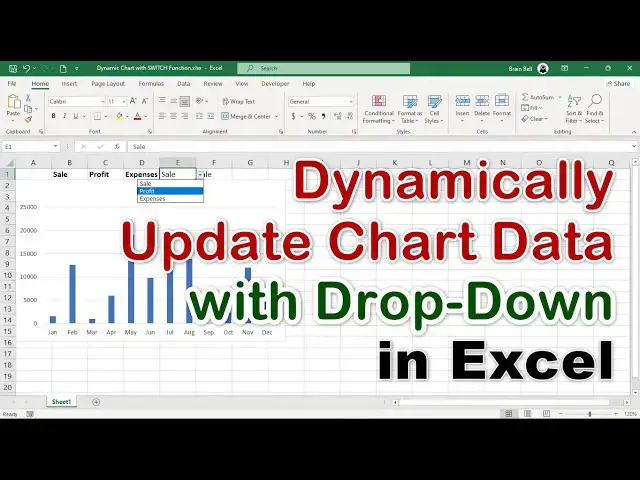

Dynamically Update Chart Data with Drop-Down List in Excel
Jan 26, 2025


Learn how to quickly create dynamic charts in Excel using the SWITCH and IFS functions. This step-by-step tutorial demonstrates how to use a drop-down list and formulas to control chart data dynamically. Explore the process of setting up the data, writing the formulas, and creating interactive charts that update instantly based on your selection. Perfect for enhancing reports and dashboards with minimal effort!
#excel #charting #ExcelWithBrainBell
Show More Show Less