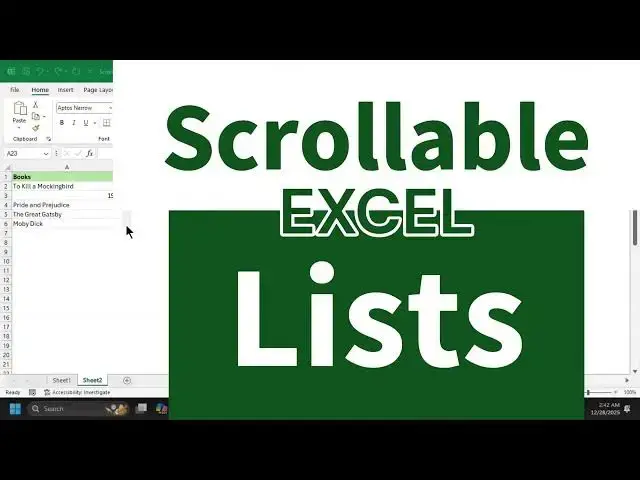

Create Independent Scrollable Lists in Excel
Dec 27, 2025


In this tutorial, you'll learn how to create independent scrollable lists in Excel, where scrolling one list doesn't affect others.
Excel doesn't natively support multiple scrollbars for ranges, but using Form Control scrollbars with the OFFSET function, you can easily simulate this behavior. We start with single-column lists, then move to multi-column data using both spilled and non-spilled OFFSET formulas.
You'll also see how to make this technique compatible with older Excel versions that don't support dynamic arrays, and how modern Excel users can simplify everything using height and width arguments.
#excelwithbrainbell #excel
Show More Show Less