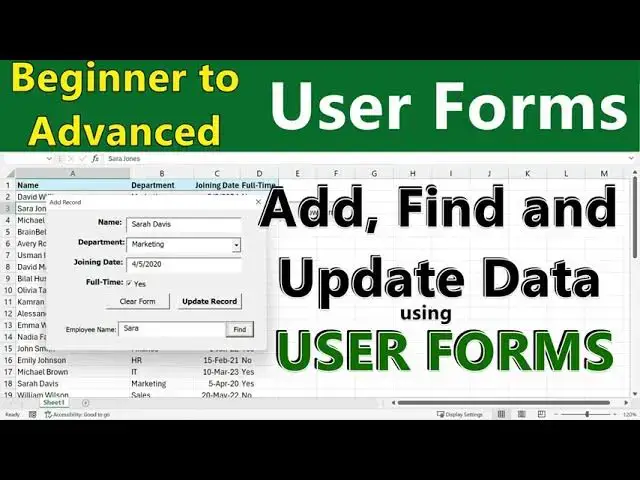

Create an Excel UserForm to Add, Find & Update Records
Oct 26, 2025


https://youtu.be/ZiCvZIpM6D4
https://youtu.be/mTSYZdjmYtY
https://youtu.be/NYn7LqhCR-4
In this 4th video, we'll build a powerful form using Excel VBA's built-in UserForm feature, capable of adding new records, finding existing records, and updating data directly in your Excel sheet.
You'll learn step-by-step how to design the form, write VBA code, and finally connect it to a button on the worksheet to make it fully functional.
What You'll Learn:
00:00 Introduction
01:14 How to Design a UserForm in VBA
01:56 How to Switch Between GUI and Code
02:34 How to use Properties to Format an Element, Set its Name and Caption etc.
04:06 Adding text boxes, combo boxes, checkbox, and Command Button
06:10 Testing the Form
07:03 Pre-filling combo boxes using VBA
09:09 Writing VBA code to add new records
10:45 Using checkboxes in a UserForm
12:29 Clearing Form
13:47 Using the Find function to search existing data
Show More Show Less