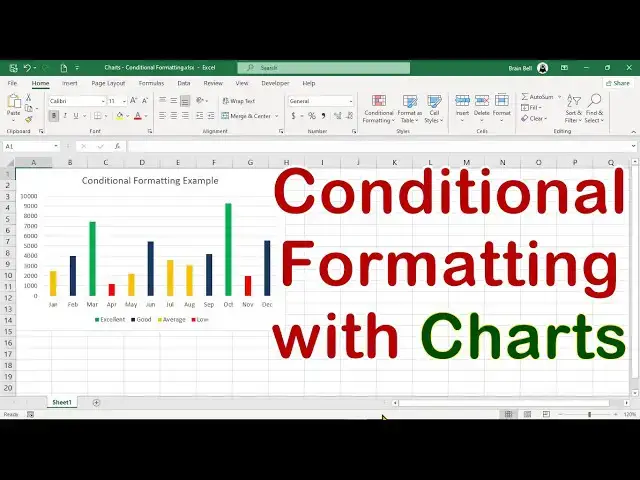

Create a Chart with Conditional Formatting/Colors in Excel
Jan 25, 2025


Create a Dynamic Excel Chart with Conditional Colors Based on Values:
In this tutorial, learn how to create a column chart in Excel where the color of each column changes dynamically based on its value. We'll walk through splitting data into categories using formulas, assigning colors to chart series, and adjusting settings to make your chart visually stunning. Whether you're highlighting sales performance or any other dataset, this method will help you showcase insights effectively.
#excel #charting #ExcelWithBrainBell
Show More Show Less