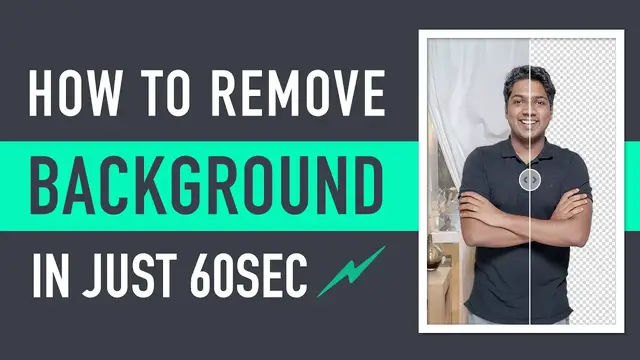

How to Remove Background from Photo (for Free)
Aug 28, 2023

This video will show you how to remove the background from a photo for free using a variety of methods.
One way to remove the background from a photo is to use an online background remover tool. There are many free and paid background remover tools available online. Some popular options include:
Remove.bg
Clipping Magic
PhotoShop Mix
Another way to remove the background from a photo is to use a photo editing software. There are many free and paid photo editing software available. Some popular options include:
GIMP
Paint.NET
Adobe Photoshop
No matter which method you choose, make sure that the background remover tool or software you use is easy to use and produces good results.
Here are some tips for getting the best results when removing the background from a photo:
Choose a photo with a simple background. This will make it easier to remove the background.
Crop the photo to remove any unnecessary parts of the background.
Use a background remover tool or software that is designed for the type of photo you are working with.
Experiment with different settings to get the best results.
By following these tips, you can remove the background from a photo for free and get great results.
Here are some additional details about the steps involved in removing the background from a photo using an online background remover tool:
Go to the website of the background remover tool you want to use.
Upload the photo you want to remove the background from.
The background remover tool will automatically remove the background from the photo.
You can then download the photo with the removed background.
The accuracy of the background removal will depend on the quality of the photo and the capabilities of the background remover tool. In general, high-resolution photos with clear backgrounds will produce more accurate results.
Show More Show Less