0:00
hello everyone what's up uh recently I
0:02
am using my YouTube app and suddenly uh
0:05
see that picture in picture mode is not
0:07
working anymore so in this video I'm
0:09
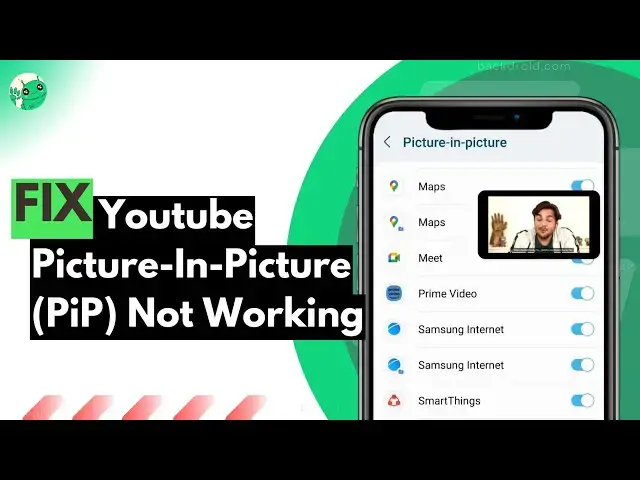
going to show you how to fix picture in
0:11
picture mode on YouTube app if it
0:13
stopped working right now so here are
0:15
few things to check first of all get
0:18
into the YouTube app settings okay so
0:20
simply tap on your profile here
0:23
click settings from here
0:26
and here get into the general YouTube
0:28
settings now here you would find so when
0:31
you get into the general YouTube app
0:32
settings here you would find the picture
0:34
in picture mode so simply enable it
0:36
sometimes when you clear the cache of
0:38
the app or even or even when you restart
0:40
your smartphone sometimes with due to
0:42
bugs or errors sometimes YouTube just
0:46
turn the picture in picture mode off so
0:48
you can re-enable it from the YouTube
0:49
app general settings now here is second
0:52
thing you can do so simply search
0:53
picture in picture in the mobile
0:55
settings there is another settings as I
0:58
can show you in this article from
1:00
backdred.com it's our own website
1:03
so as you can see here is a comment of
1:05
Andrew it worked for me the picture in
1:08
picture more uh picture option was off
1:10
on my mobile phone settings after I
1:13
enabled it it worked so here is how you
1:15
can enable it so link is given in the
1:18
description of the article simply open
1:19
your mobile settings such a picture in
1:21
picture mode and here you would find the
1:24
YouTube picture in picture mode so
1:25
simply enable it and you would see that
1:28
YouTube picture and picture again
1:32
now here is one of the most crucial
1:34
thing that you might find if you are
1:36
someone who is using VPN or using VPN of
1:39
particularly European countries then it
1:41
might sound suspicious to you
1:44
so as you can see here I have captured a
1:46
comment and attached it to my website
1:48
and read it I found out the issue for me
1:52
was that I had my VPN on for somewhere
1:56
in Europe I switch back to North America
1:58
and it worked I guess YouTube hits
2:00
European yeah it's not available there
2:02
bunny replied I had the same problem my
2:06
so then Baker also said oh that's why
2:10
mine sudden stopped working I am on
2:12
vacation in South America blah blah blah
2:15
and uh as you can see this guy also says
2:18
that solves it apparently YouTube
2:20
doesn't like some Asian countries as
2:22
well had to VPN to Canada to have Pip
2:28
these are some of the common fix you can
2:30
try right now on your smartphone also if
2:33
nothing works then simply clear the
2:35
cache of YouTube app or update the app
2:38
right now as you face the PIP stopped
2:41
working on YouTube I hope you found the
2:43
video useful if does then make sure you
2:45
are hitting the like button and visiting
2:46
our website backroad.com
2:51
haven't like bro like it