0:05
hi Dave Taylor here again and this time
0:07
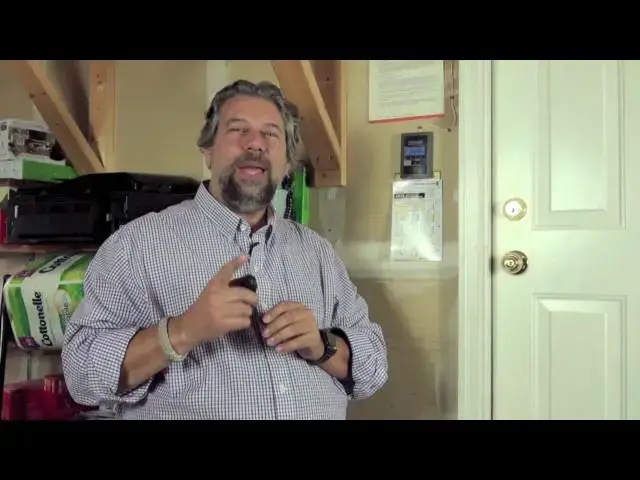
I want to talk about this this is the
0:09
Chamberlain Universal mini remote garage
0:11
door opener it's a little two button guy
0:14
you can see it's designed to be a
0:16
keychain or key fob easy to carry easy
0:19
to put in a pocket if you're going for a
0:20
run or you're taking the dog for a walk
0:22
or you want to loan it to a friend who's
0:24
visiting you super easy it's nice having
0:27
two different buttons means you can have
0:29
two garage door openers you can have
0:31
security gate there's certain kind of
0:33
lighting it can work with for outside
0:35
lighting um I love the idea of like I
0:37
pushed the button my Christmas lights go
0:39
on not sure I'll hook that up this year
0:41
but I could and that's what's cool and
0:44
this also it's from Chamberlain they
0:46
make garage doors but it actually is
0:48
compatible with Chamberlain LiftMaster
0:50
Craftsman Genie linear Stanley Overhead
0:53
Door all the major players turns out
0:56
that's really helpful cuz I have a
0:57
Craftsman garage door opener and it's a
1:00
smart internet friendly one and one of
1:02
the great things about it is that the
1:03
learn button isn't on the back of the
1:06
Drive Unit like you can see in this
1:08
picture which is just sort of a stock
1:09
photo of a typical garage door opener
1:12
but what I have is on my Craftsman all
1:15
of the smarts are actually on this
1:16
little control panel so I was going to
1:19
show you on the video how to program
1:21
this but it turned out that as I was
1:23
experimenting I got it to work and you
1:25
can't unlearn things so it's like at
1:29
what exactly what you would want your
1:30
children to be at school once they learn
1:32
things they know it forever this thing's
1:35
really smart so here's what I did is I
1:38
pushed the button for 10 seconds and
1:40
then a little light went solid right so
1:43
while that was then going on I went on
1:45
here or you could go on your own garage
1:48
door and push the learn button then you
1:51
pick which of the two buttons you want
1:52
to program push it twice and then wait
1:56
took about 20 seconds as it cycled
1:59
through a couple of different code
2:00
options and then finally my garage door
2:02
started opening and all I had to do was
2:05
then immediately as soon as it started
2:06
to work push that button again and then
2:09
it was locked in cuz it was stepping
2:11
through different possible codes and
2:14
then it said oh okay this one works I'll
2:16
save it and now as I can demonstrate I
2:19
push this button and can you see the
2:22
rise and illumination as my garage door
2:25
goes up I'll push it again we'll stop
2:28
there and yeah see now it's so much
2:30
brighter maybe we'll close it again just
2:33
so that the light goes back to where we
2:34
started there that's a little better but
2:38
super easy to work with and this felt
2:40
like it might have been a little more
2:42
complicated than even a regular garage
2:43
door opener but this is like a 5 or 10
2:45
second programming task plus maybe the
2:48
time it takes for it to cycle through um
2:50
people love these I've looked at all the
2:52
reviews online the only people that have
2:54
have problems with this are actually the
2:56
ones that don't read the instructions
2:57
and then they can't get it to work but
2:59
but I will tell you based on my
3:01
experience with this it's crazy easy so
3:04
Universal programming two buttons Sports
3:06
two devices keyring design how much
3:09
right so oh but it has like these two
3:11
little watch batteries in it that are
3:13
supposed to last a super long time and
3:15
frankly since the only time it's
3:17
actually doing anything is when you push
3:18
a button I would guess these batteries
3:20
are going to last a couple of years and
3:22
it comes with built-in batteries so at
3:24
some point I will probably have to
3:26
replace them but I'm expecting that's a
3:27
couple of years down the road and how
3:30
much well at chamberlain.com these run
3:33
$44.99 but if you check out amazon.com
3:36
they're 3866 with free shipping so
3:39
either way around 40 bucks and there's
3:42
smaller universal remotes but this one's
3:44
really well-designed and wellb built and
3:46
I like Chamberlain and I feel like this
3:48
is going to be a reliable product for a
3:50
long time so this is Dave whoa hold on
3:55
we almost got out of this video without
3:57
me reminding you please click the
3:59
subscribe button so you can catch all my
4:01
other Tech and Gadget reviews I know
4:03
you'll appreciate it and I certainly
4:05
will too so thank you now back to where
4:07
we were this is Dave Taylor this is the
4:09
Chamberlain Universal mini remote and
4:11
I'll catch you in my next video thanks