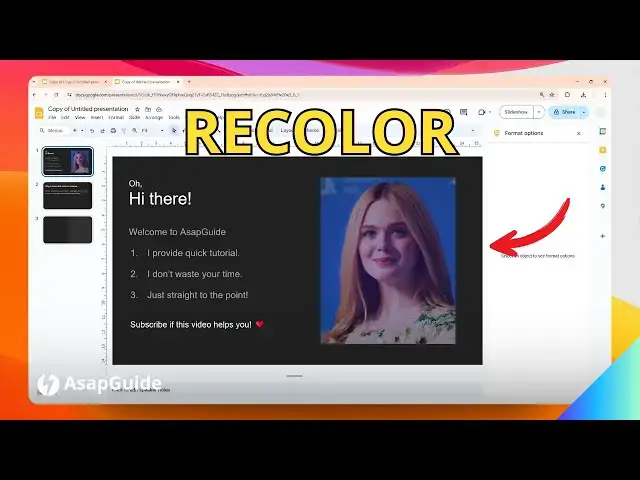

How to Recolor a Picture in Google Slides
Jul 9, 2024

👉 Easily change the color of an image in Google Slides by selecting the image, clicking "Format options", and using the "Recolor" tool. Choose from preset color options or adjust the brightness, contrast, and transparency to customize the image to match your presentation.
🎙 Microphone: https://geni.us/KVRt
🦾 Boom arm: https://geni.us/FU6y
💻 Web hosting: https://geni.us/BestWordPressHosting
❤ Subscribe if you find this video helpful:
https://www.youtube.com/@asapguide?sub_confirmation=1
Show More Show Less