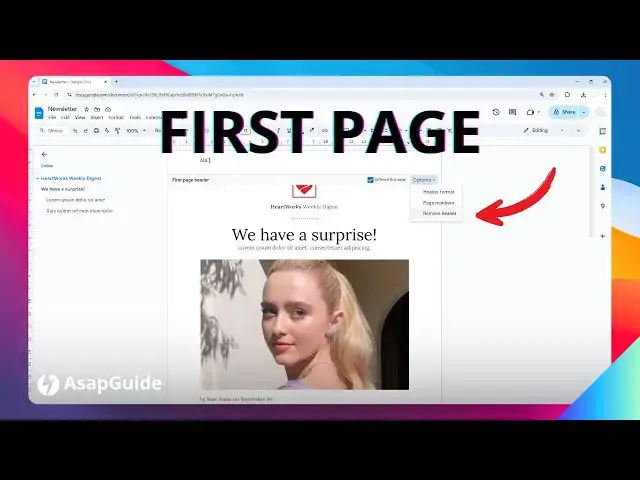

How to Make Header Only on First Page Google Docs
Jun 20, 2024

👉 Free AI Cheat Sheet https://asapguide.com/Free-AI-Cheat-Sheet
Discover how to create a professional and consistent document layout by adding a header only on the first page of your Google Docs. This tutorial will guide you through the process of inserting a header that appears exclusively on the initial page, ensuring a clean and organized appearance for subsequent pages.
🎙 Microphone: https://geni.us/KVRt
🦾 Boom arm: https://geni.us/FU6y
💻 Web hosting: https://geni.us/BestWordPressHosting
❤ Subscribe if you find this video helpful:
https://www.youtube.com/@asapguide?sub_confirmation=1
Show More Show Less