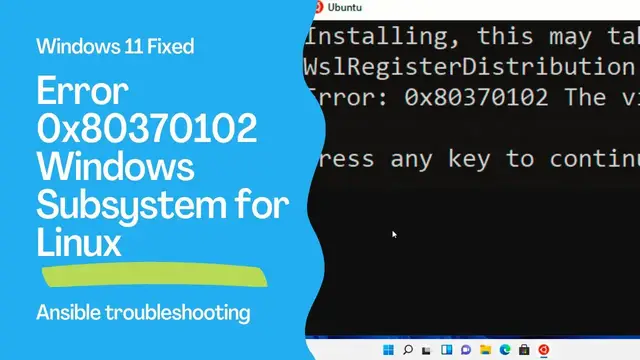

(Solved) Windows 11 Error 0x80370102 WSL: Windows Subsystem for Linux - Ansible troubleshooting
Nov 3, 2022

How to troubleshoot the Windows 11 WSL: Windows Subsystem for Linux - Error: 0x80370102 The virtual machine could not be started because a required feature is not installed.
How to verify the Windows Feature and workaround using the Windows Subsystem for Linux version 1.
https://www.ansiblepilot.com/articles/ansible-troubleshooting-windows-11-error-0x80370102-wsl/
Timestamps
00:00 Introduction
00:27 Windows 10 Installation of Windows Subsystem for Linux process
01:37 Windows Subsystem for Linux installation
06:50 Windows Subsystem for Linux error 0x80370102
07:07 Troubleshooting the WSL error
08:28 Solution to switch to Windows Subsystem for Linux version 1 and workaround the error
11:14 WSL 1 vs WSL 2
12:10 Recap
FREE Top 10 Best Practices of Ansible Automation: save time, reduce errors and stress - http://eepurl.com/hJv3j9
BUY the Complete PDF BOOK to easily Copy and Paste the 200+ Ansible code
200+ Automation Examples For Linux and Windows System Administrator and DevOps
https://leanpub.com/ansiblebyexamples
Show More Show Less #Operating Systems
#Development Tools
#Technical Reference