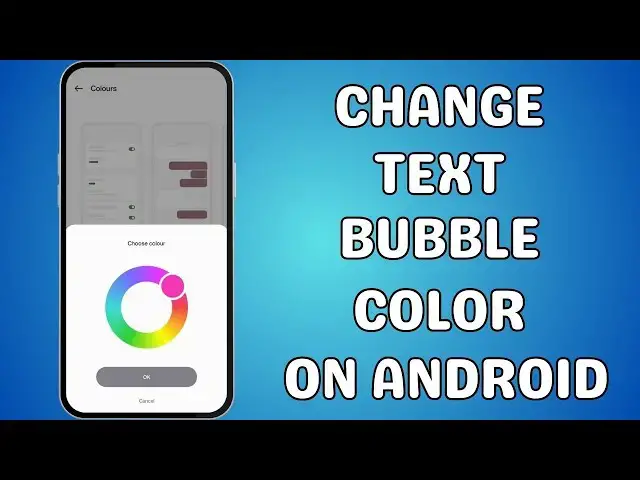

How to change text bubble color on Android
May 1, 2024
Want to stand out in your text conversations? Learn how to change text bubble colors on Android with our comprehensive tutorial! Whether you're using Material You theming, accessibility features, Samsung Messages customization, or third-party apps, we've got you covered. Follow along as we guide you through each method step-by-step, allowing you to personalize your Android device's chat bubbles to reflect your unique style. Enhance readability, express yourself creatively, and make your messaging experience truly your own! Don't forget to like, subscribe, and share for more Android tips and tricks. Let's make your conversations pop with color! 🎨✨
🎬 Table of Contents
0:00 Intro
0:05 Utilizing Material You Theming
1:08 Via Accessibility Features (All Android Versions)
2:00 Customize chat rooms on Samsung
2:54 Third-Party Apps (For Additional Customization)
💬 Follow us
Facebook https://www.facebook.com/aeireintech/
Instagram https://www.instagram.com/aeireintech/
Twitter https://twitter.com/aeireintech
#TextBubbleColor #AndroidCustomization #ChatBubbles #MaterialYou #AccessibilityFeatures #SamsungMessages #AndroidTips #MessagingApps #Personalization #AndroidHacks #TechTutorial #AndroidTricks #PhoneCustomization #TextingExperience #YouTubeTutorial
Show More Show Less #Text & Instant Messaging
#Online Goodies
#Skins, Themes & Wallpapers