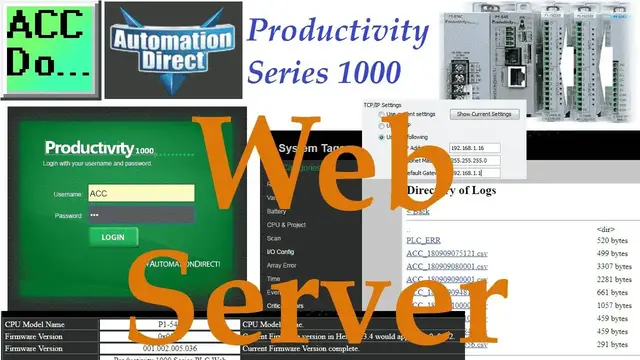

Productivity 1000 Series PLC Web Server
Oct 14, 2022

The productivity series of PLCs has a built in web server. This web server function can make a non secure (HTTP) connection to the CPU. This is done with your browser. You can then view read only system tags and open, save or delete files stored on the micro SD drive.
Previously we stored data logged files on the USB (Micro SD) storage device. We will now start and configure the web server function. Look at the files from our data logger and view the system files available. Let’s get started.
More information can be obtained on our website. This includes all of the links mentioned in this video.
http://accautomation.ca/productivity-1000-series-plc-web-server
Previously in this Productivity 1000 Series PLC we looked at the following:
System Hardware
http://accautomation.ca/productivity-1000-series-plc-system-hardware
Video
https://youtu.be/epzgojtd57U
Installing the Software
http://accautomation.ca/productivity-1000-series-plc-installing-the-software
Video
https://youtu.be/gh5X7_EeCdg
Establishing Communication
http://accautomation.ca/productivity-1000-series-plc-establishing-communication
Video
https://youtu.be/HWtN189JLgI
First Program
Show More Show Less #VPN & Remote Access
#Programming