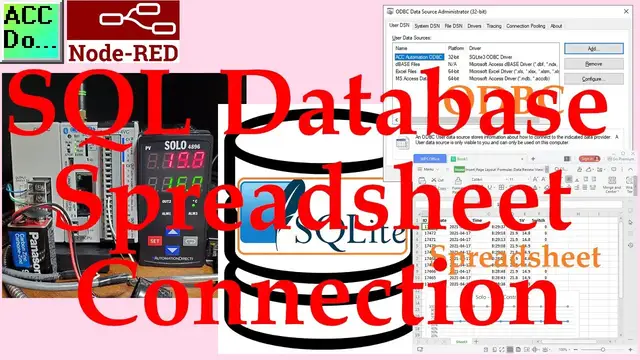

Node-RED SQL Database Spreadsheet Connection
Oct 12, 2022

We will now look at the connection to our SQL database using a spreadsheet application. Previously we used Node-RED to communicate Modbus TCP and RTU to our Click PLC and Solo Temperature Controller. The information collected from the controllers was then put into an SQLite SQL database.
Spreadsheets like Excel are great for analysis of the data. We will be connecting to our SQLite SQL database with WPS spreadsheets. This will be accomplished by using an ODBC driver as the translator between the database and spreadsheet. Let’s get started.
More information can be obtained at our website. This includes all of the links mentioned in this video. https://accautomation.ca/node-red-sql-database-spreadsheet-connection/
In this series we started using Node-RED in some of the following ways:
Installing the Windows Software
https://accautomation.ca/node-red-installing-the-windows-software/
https://youtu.be/xGzH2Hv31WA
Modbus RTU / TCP Communication
https://accautomation.ca/node-red-modbus-communication/
https://youtu.be/yX1w5vcV6cc
User Interface - Dashboards
https://accautomation.ca/node-red-user-interface-dashboards/
https://youtu.be/8zAG2wXwGOc
SQL Database Log
https://accautomation.ca/node-red-sql-database-log-modbus-logging/
https://youtu.be/QHjcNj1S_Mo
Show More Show Less #Computers & Electronics
#Data Management
#Data Formats & Protocols
#Programming
#Software
#Business & Productivity Software
#Data Sheets & Electronics Reference
#Monitoring Software