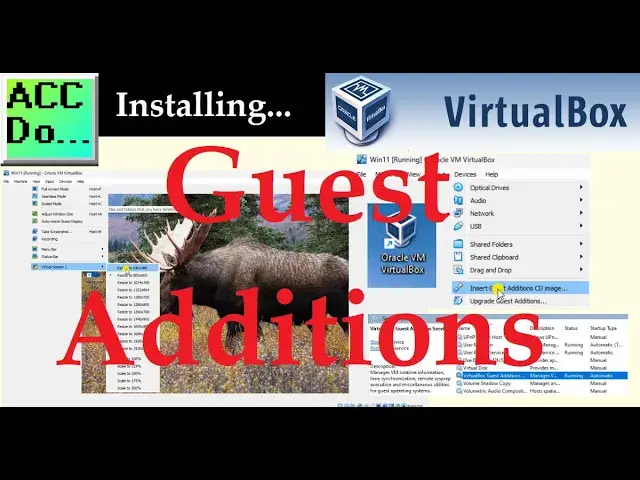

Installing Guest Additions for Oracle VirtualBox
Apr 1, 2024

We will now install Guest Additions on our Windows 11 VirtualBox. Oracle VirtualBox is a widely used software that provides a virtual environment for operating multiple operating systems on a single computer. It enables users to create virtual machines and install various operating systems like Windows, Linux, and macOS. One of the most beneficial features of VirtualBox is its Guest Additions, which are additional software components that can be installed on the guest operating system to improve performance and functionality. These components provide seamless mouse and keyboard integration, improved video support, shared folders, and better networking capabilities. Guest Additions make it easier for users to work with virtual machines and enhance the overall experience of using VirtualBox.
This blog post will guide you through installing Guest Additions for Oracle VirtualBox on Windows 11.
Detailed information and links can be found in the corresponding post here.
https://accautomation.ca/installing-guest-additions-for-oracle-virtualbox/
00:00 Installing Guest Additions for Oracle VirtualBox
01:15 Step 1: Start the Virtual Machine
01:34 Step 2: Insert Guest Additions CD Image
01:52 Step 3: Install Guest Additions
03:00 Step 4: Enable Guest Additions Features
Creating a Virtual PLC Programming Environment
https://accautomation.ca/creating-virtual-plc-programming-environment/
https://youtu.be/fQ_DlOm3HZU
PLC Beginner’s Guide to PLC Programming
https://accautomation.ca/programming/plc-beginners-guide/
Here are the controllers that we have covered at ACC Automation:
Show More Show Less #Consumer Electronics
#Programming
#Software
#Operating Systems
#Computer & Video Games
#Sandbox Games
#Virtual Worlds
#Virtual Tours
#Virtual Reality Devices
#Video Game Mods & Add-Ons