
Code Barcode Scanner Suffix
Oct 12, 2022

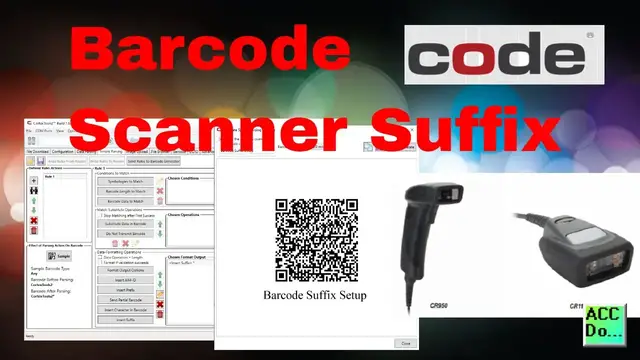
A suffix or ending characters can be added to your Code handheld barcode scanner or reader.
This feature is accomplished with the CortexTools2 software package.
Go to the simple parsing tab.
Select add new simple parsing rule.
Under the Data Formatting Operations, select Insert Suffix.
Type your character(s) to insert. Select OK.
Select ‘Send Rules to Barcode Generator’.
Scan this to set your barcode reader with a suffix.
Code Reader 950 (CR950)
Features:
• High-speed, omnidirectional reading of 1D and 2D
barcode symbologies.
• Manual or automatic triggering. Stand (sold
separately) is required for automatic triggering.
• User feedback with LED and audible tone.
• All-inclusive kits include reader and cable.
• Reads barcodes on backlit screens such as those
found on mobile devices.
Show More Show Less #Programming