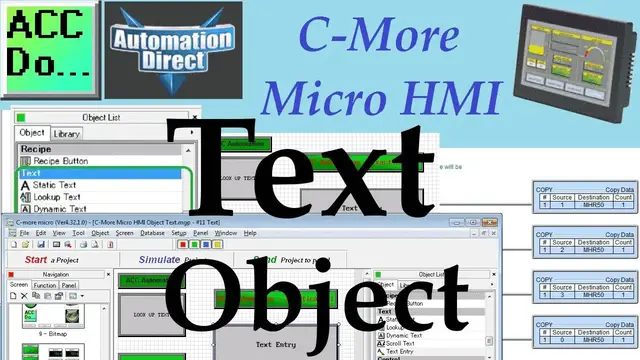

C-More Micro HMI Object Text
Oct 14, 2022

The C-More Micro HMI Panel software uses virtual components called Objects. Five different text objects are available for your industrial human-machine interface. (HMI) The static text will place words on your HMI page. Lookup text will display a message corresponding to a value in a tag register. The dynamic text will display the ASCII (American Standard Code for Information Interchange) equivalent of the information in the tag register specified. Scroll text will display information too large to display in the area assigned. This will move the information in the display area so the entire message can be seen. Text entry will allow the user through a popup keypad to enter ASCII characters into a tag register.
We will now look at all five of these text objects in our HMI micro panel. A new page will be made to show all of the text object functions and operations. Let’s get started.
More information can be obtained on our website. This includes all of the links mentioned in this video.
https://accautomation.ca/c-more-micro-hmi-object-text
Previously we have discussed the following in our C-More Micro HMI Panel:
System Hardware
https://accautomation.ca/c-more-micro-hmi-system-hardware
Unboxing and Review Video
https://youtu.be/_uCcALMqYlM
Installing the Software
https://accautomation.ca/c-more-micro-hmi-installing-the-software
Video
https://youtu.be/BIGrOvxlDTI
- Update Automation Direct Software C More Micro Software Video
https://youtu.be/MNjTpirZs1s
System Setup Screens
https://accautomation.ca/c-more-micro-hmi-system-setup-screens
Video
Show More Show Less #Manufacturing
#Programming
#Software
#Text & Instant Messaging
#Intelligent Personal Assistants