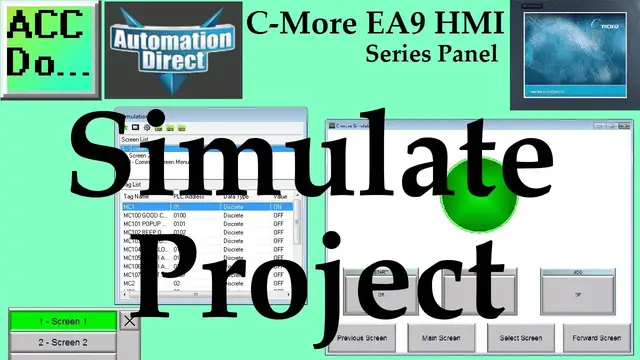

C-More EA9 HMI Series Panel Simulate Project
Oct 13, 2022

We will now look at the C-More simulate project mode on the C-More EA9 Software. The C-More HMI Panel programming software has a simulation mode. This simulator will allow you to test your project before transferring it to a panel. Testing your application is a vital step in HMI program development. This feature of the software will save you time and money especially if your hardware is not available. The simulator will display two windows. There is a graphical display of your HMI panel and a simulation control window. The
control window will allow you to control variables in the project similar to a PLC.
We will be looking at our program developed last time (Common Screen Menu) and use the simulator to mimic how the PLC and HMI Panel will communicate in the field. This will help to detect any problems before we transfer to our panel. Let’s get started.
More information can be obtained on our website. This includes all of the links mentioned in this video.
https://accautomation.ca/c-more-ea9-hmi-series-panel-simulate-project
Previously we have discussed the following in our C-More HMI Panel:
System Hardware
https://accautomation.ca/c-more-micro-hmi-system-hardware
Unboxing and Review Video
https://youtu.be/_uCcALMqYlM
Powering the Unit
https://youtu.be/BIGrOvxlDTI
Installing the Software
https://accautomation.ca/c-more-ea9-hmi-series-panel-installing-the-software
https://youtu.be/6EnyUbEp4As
System Setup Screens
https://accautomation.ca/c-more-ea9-hmi-series-panel-system-setup-screens
https://youtu.be/tL6Ygr1BuDY
Show More Show Less #Business Education
#Desktop Computers
#Consumer Electronics
#Programming
#Business & Productivity Software
#Simulation Games
#Video Game Emulation
#Virtual Reality Devices
#Educational Software