
Raspberry Pi4 Unboxing Starter Kit

A Raspberry Pi4 is a single-board computer. We will be unboxing our Labists Raspberry Pi 4 Model B Starter Kit. The starter kits come with everything that you will need to get started using your raspberry pi. - Raspberry Pi 4 Model B 4GB RAM with 1.5GH

Raspberry Pi 4 Kit Assembly
A Raspberry Pi4 is a single-board computer. We will be assembling our Labists Raspberry Pi 4 Model B Starter Kit. https://amzn.to/2Q9auRV The starter kits come with everything that you will need to get started using your raspberry pi. - Raspberry Pi 4

Raspberry Pi 4 First Power Up
A Raspberry Pi4 is a single-board computer. We will be powering up our Labists Raspberry Pi 4 Model B Starter Kit for the first time. The welcome software will walk you through setting up the Raspberry Pi for the first time. This includes the country, la

Raspberry Pi 4 Remote Access
Remote access is easily set up on our Raspberry Pi4 single board computer. Open the applications menu on the raspberry pie and select Raspberry Pi Configuration under preferences. Under the system tab, we will disable the auto-login. This will give some e
Install Node-RED on Raspberry Pi
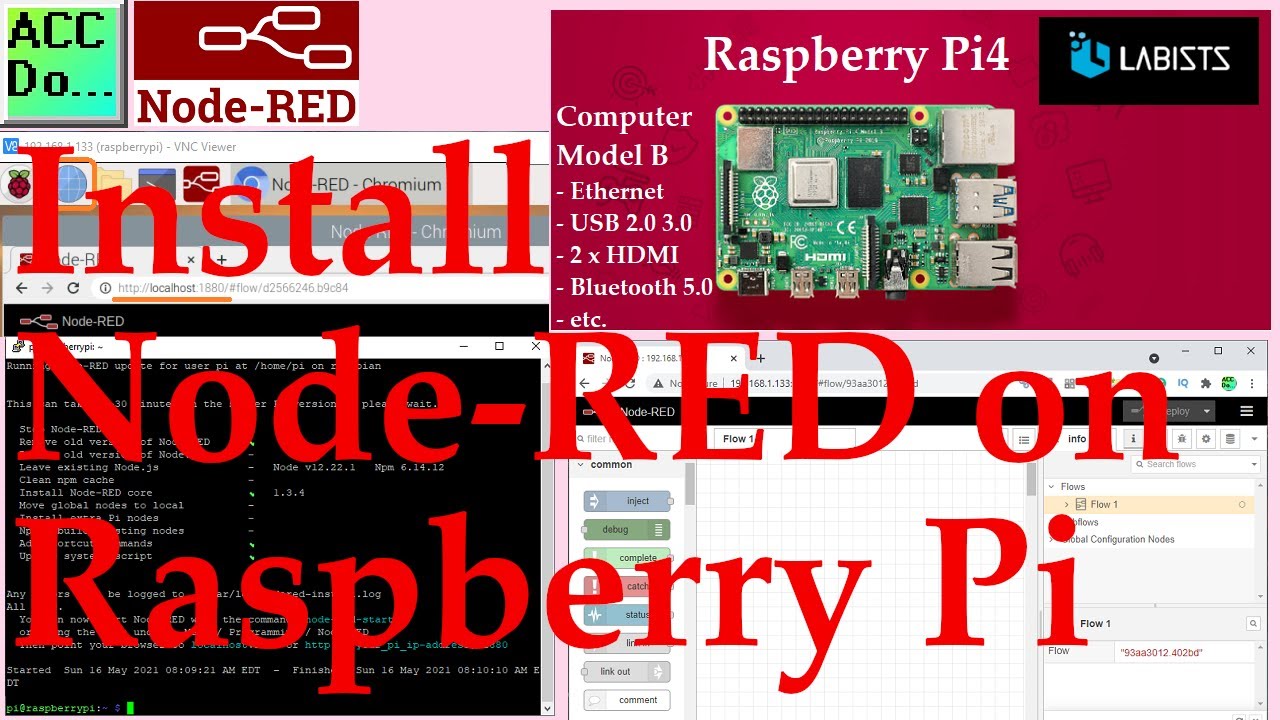
We will now be installing Node-RED on a Raspberry Pi 4 single-board computer. A static IP address will also be given for both the WiFi and Ethernet connections. The Raspberry Pi has quickly become a fixture in the industrial environment when utilizing th

Raspberry Pi Finding MAC Address
The MAC (Media Access Control) Address on the Raspberry Pi can easily be found using the terminal. Type ifconfig at the prompt and hit enter. eth0 is the wired ethernet port on the Raspberry Pi. The MAC address is located beside the 'ether' subject. wla
Raspberry Pi Setting Static IP Address
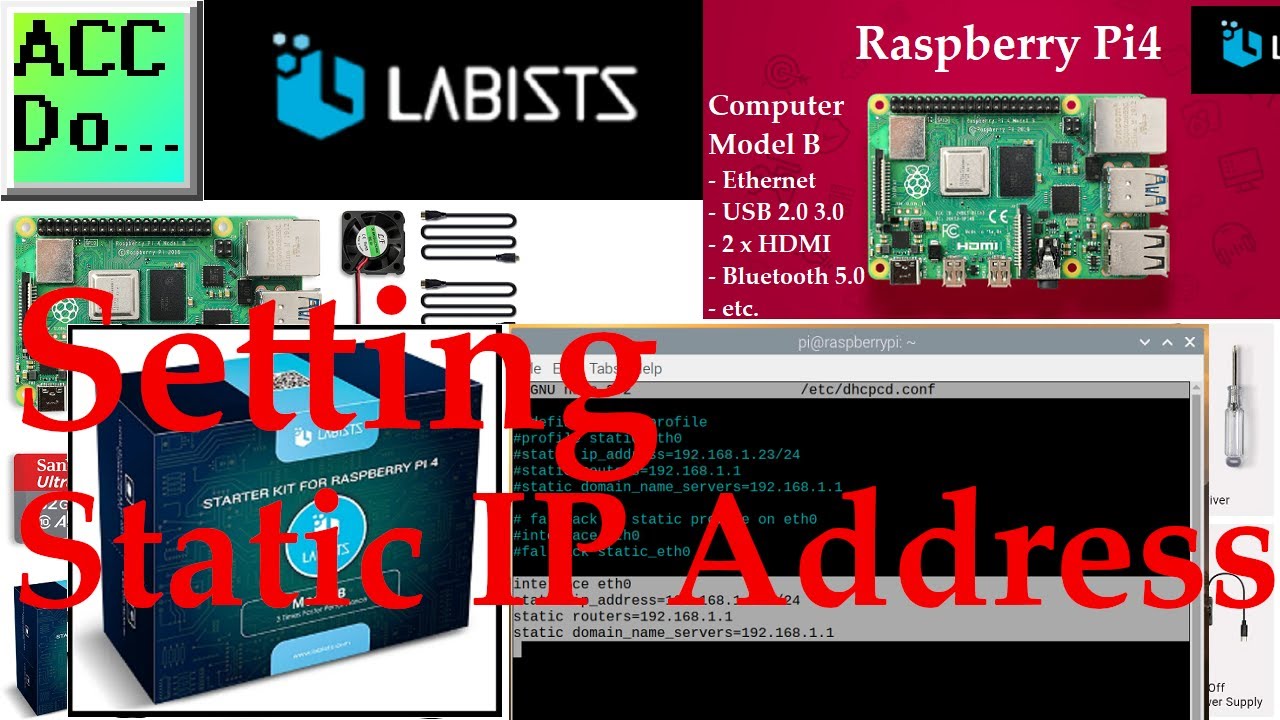
There are two ways to set a static IP address for our Raspberry Pi 4 Model B. The first is to use the MAC (Media Access Control) address value and set the IP address using your router software. The MAC address can be found by using the ifconfig in termina
Raspberry Pi Serial Port Programming
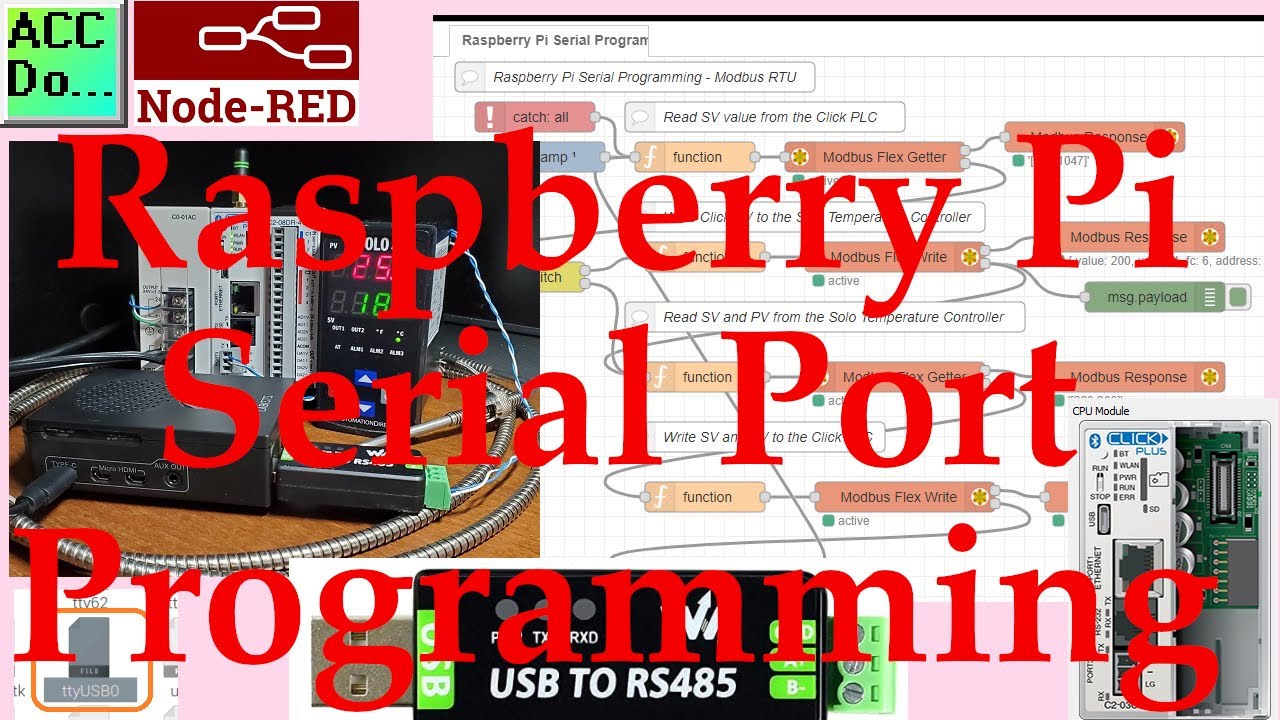
Node-RED will be used on the Raspberry Pi 4 to communicate Modbus RTU to a Solo process temperature controller and Click PLC using twisted pair RS485. This will be done on the same serial network so the devices will be daisy chained together on the two wi
Updating Raspberry Pi
Updating Raspberry Pi Open the terminal window. Type "sudo apt update" to update the list of repository packages. Type "sudo apt dist-upgrade" to run the update command when this is done. We are updating our raspberry pi using the APT commands instead of
Install Node-RED on Raspberry Pi
We will now be installing Node-RED on a Raspberry Pi 4 single-board computer. A static IP address will also be given for both the WiFi and Ethernet connections. The Raspberry Pi has quickly become a fixture in the industrial environment when utilizing th