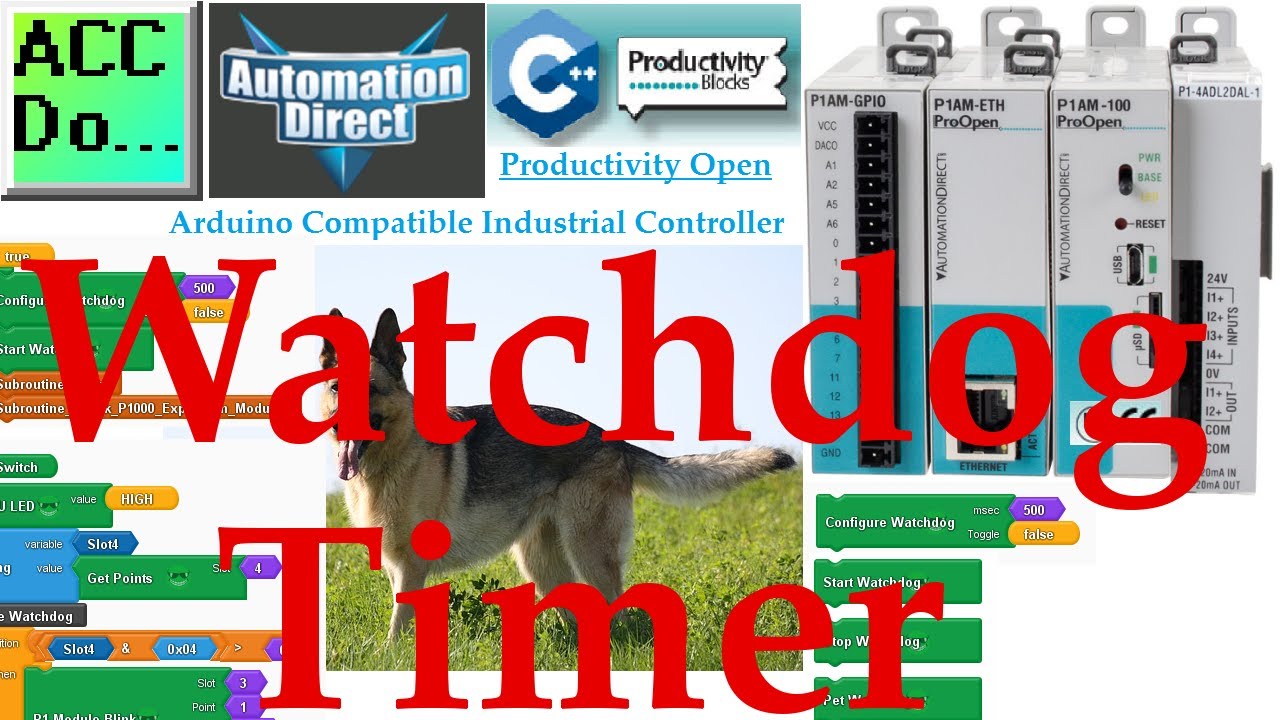
Productivity Open P1AM Industrial Arduino Watchdog Timer

More information can be obtained on our website. This includes all of the links mentioned in this video. https://accautomation.ca/productivity-open-p1am-industrial-arduino-watchdog-timer A watchdog is a piece of code that will timeout when an error occur
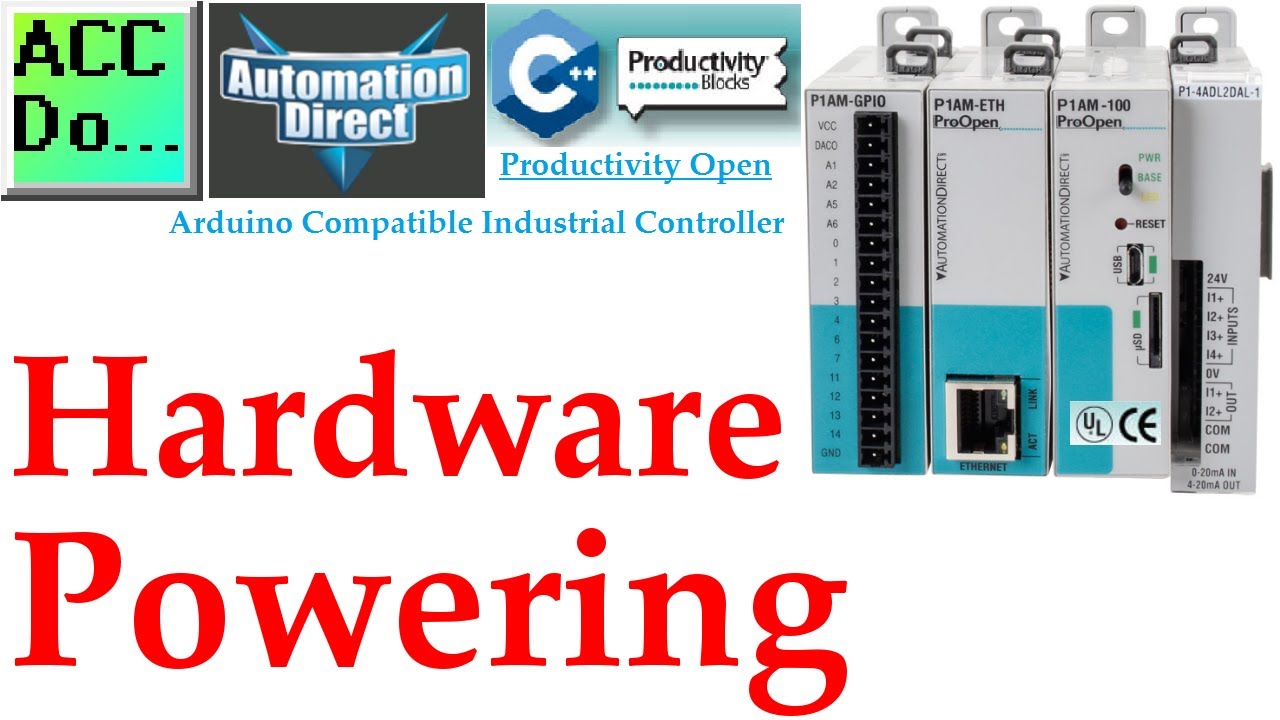
Productivity Open Arduino Compatible Industrial Controller Powering Up
Productivity Open is an industrial-rated Arduino compatible platform controller. This rugged open-sourced CPU mimics the MKRZero Arduino. You can add standard MKRZero shields (Add-on Boards), along with the Productivity 1000 PLC I/O. The Productivity Open
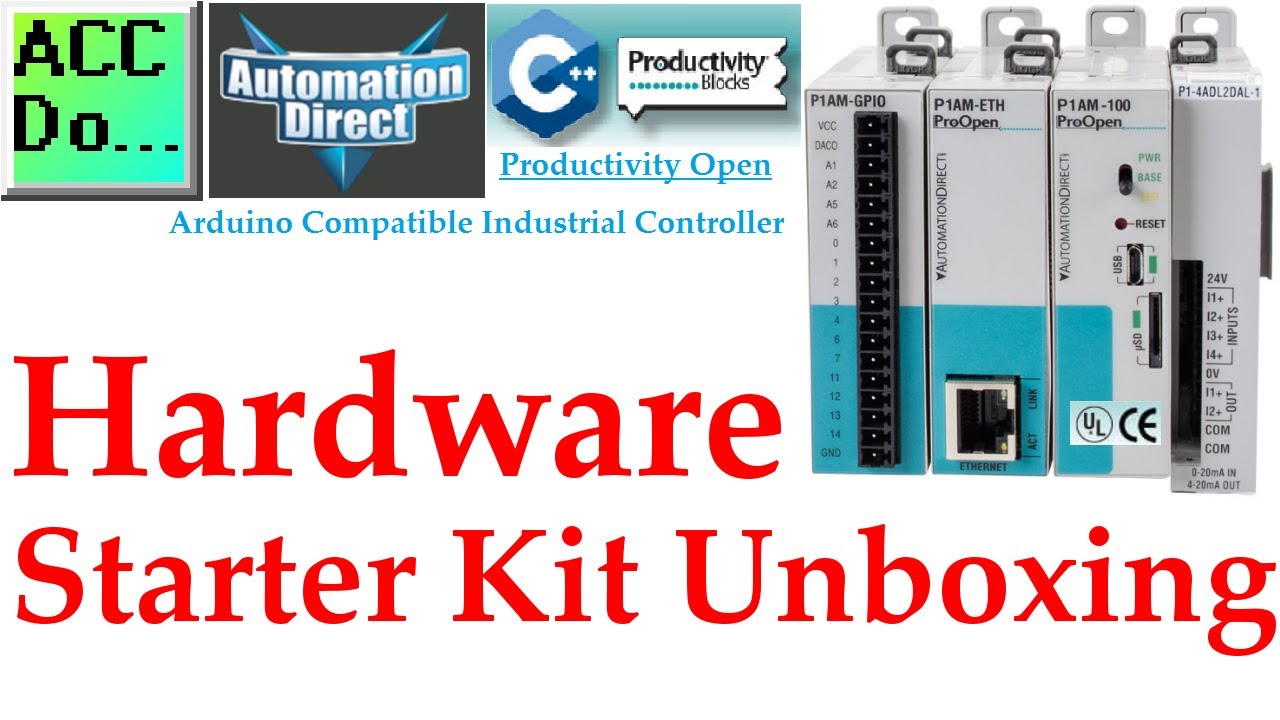
Productivity Open Arduino Industrial Controller Starter Kit Unboxing
Productivity Open is an industrial-rated Arduino compatible platform controller. This rugged open-sourced CPU mimics the MKRZero Arduino. You can add standard MKRZero shields (Add-on Boards), along with the Productivity 1000 PLC I/O. The Productivity Open
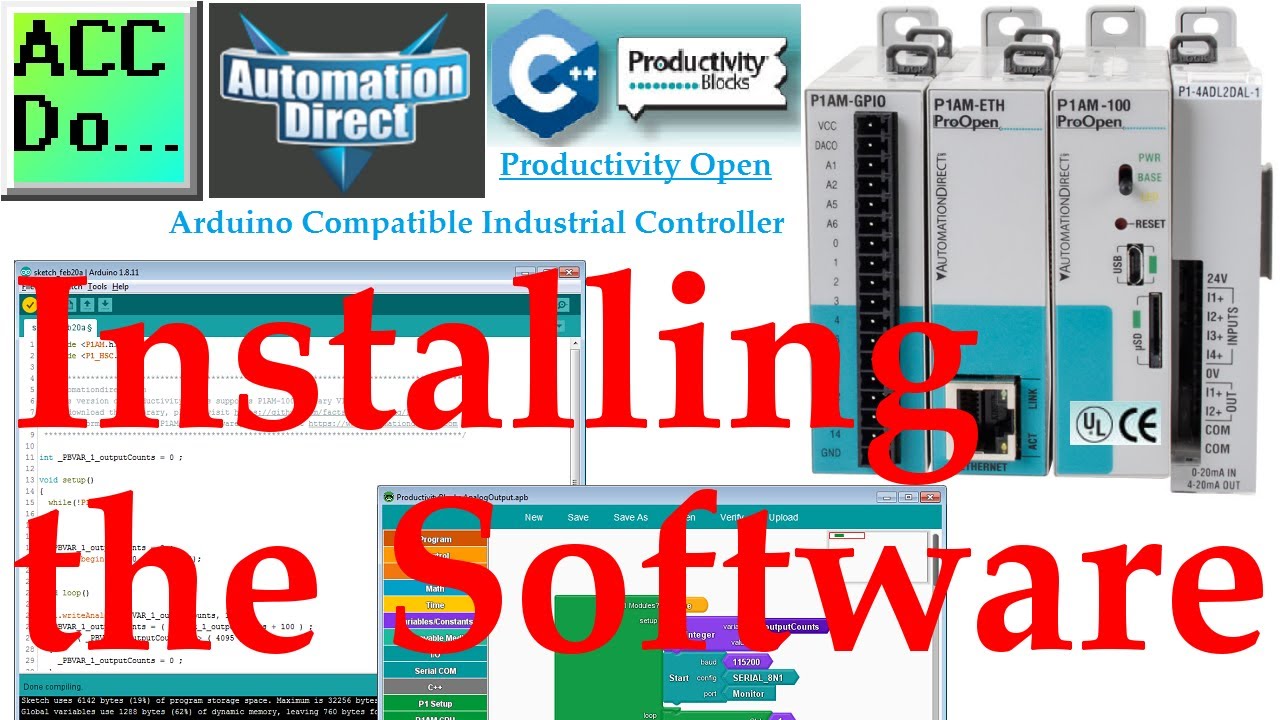
Productivity Open Arduino - Installing the Software
The P1AM-100 industrial controller is programmed with the Arduino IDE (Integrated Development Environment). The C++ programming environment is emerging in industrial automation. This software is open-sourced and available free of charge. It will run on Wi
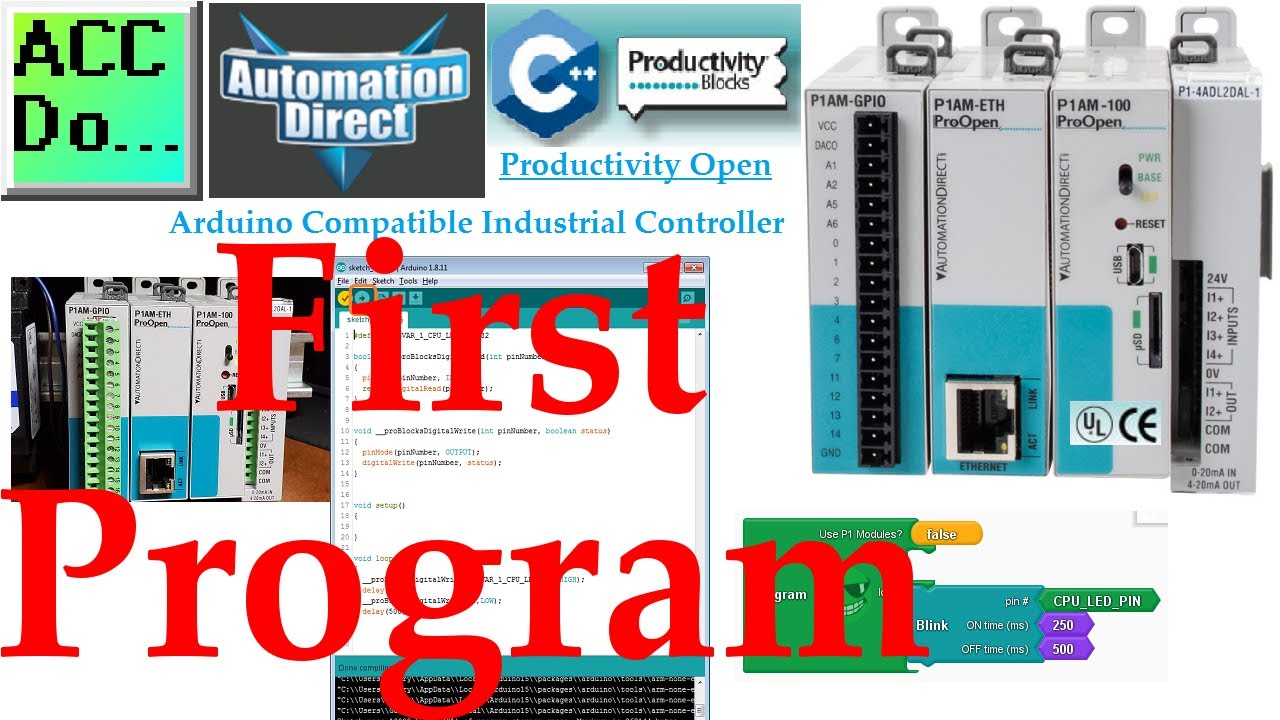
Productivity Open P1AM Industrial Arduino First Program
We will now look at our first program for the Arduino P1AM. The P1AM-100 industrial controller is programmed with the Arduino IDE (Integrated Development Environment). We installed the Arduino IDE, P1AM-100 library, and ProductivityBlocks. Using this soft
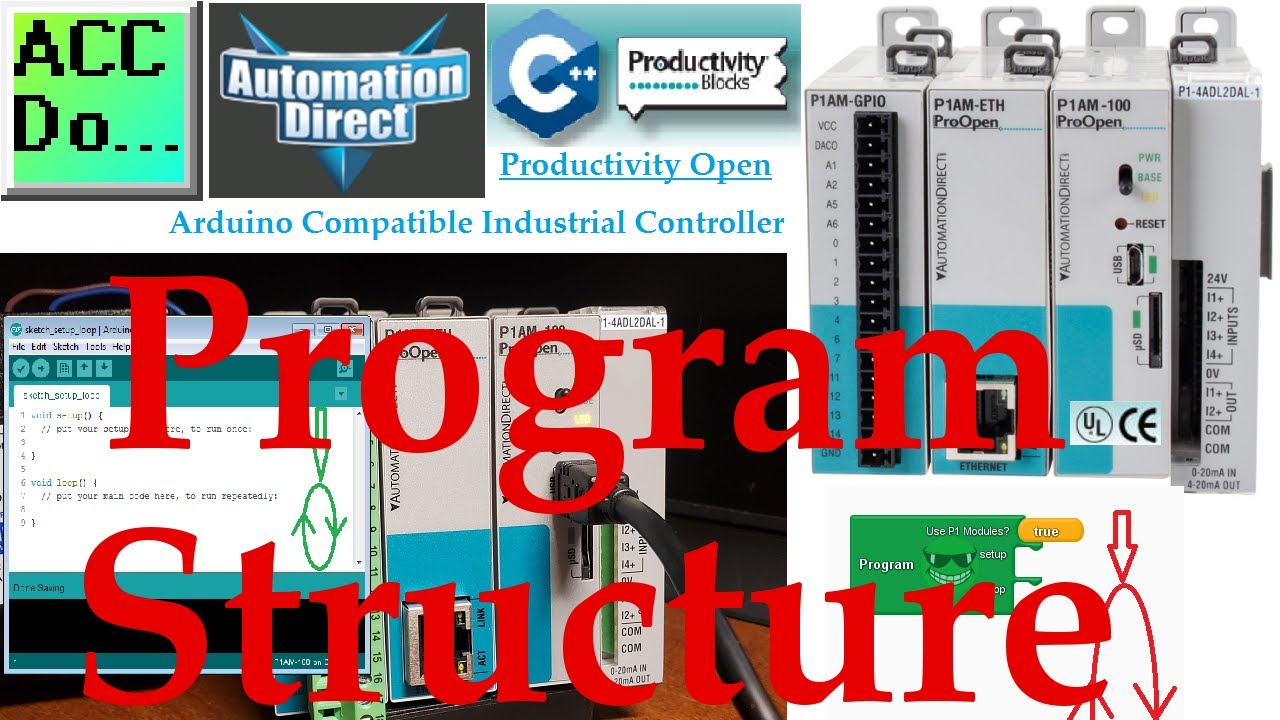
Productivity Open P1AM Industrial Arduino Program Structure
We will now look at the P1AM industrial Arduino program structure. The P1AM-100 industrial controller is programmed with the Arduino IDE (Integrated Development Environment). The arduino IDE will allow us to write sketches (programs). These sketches have
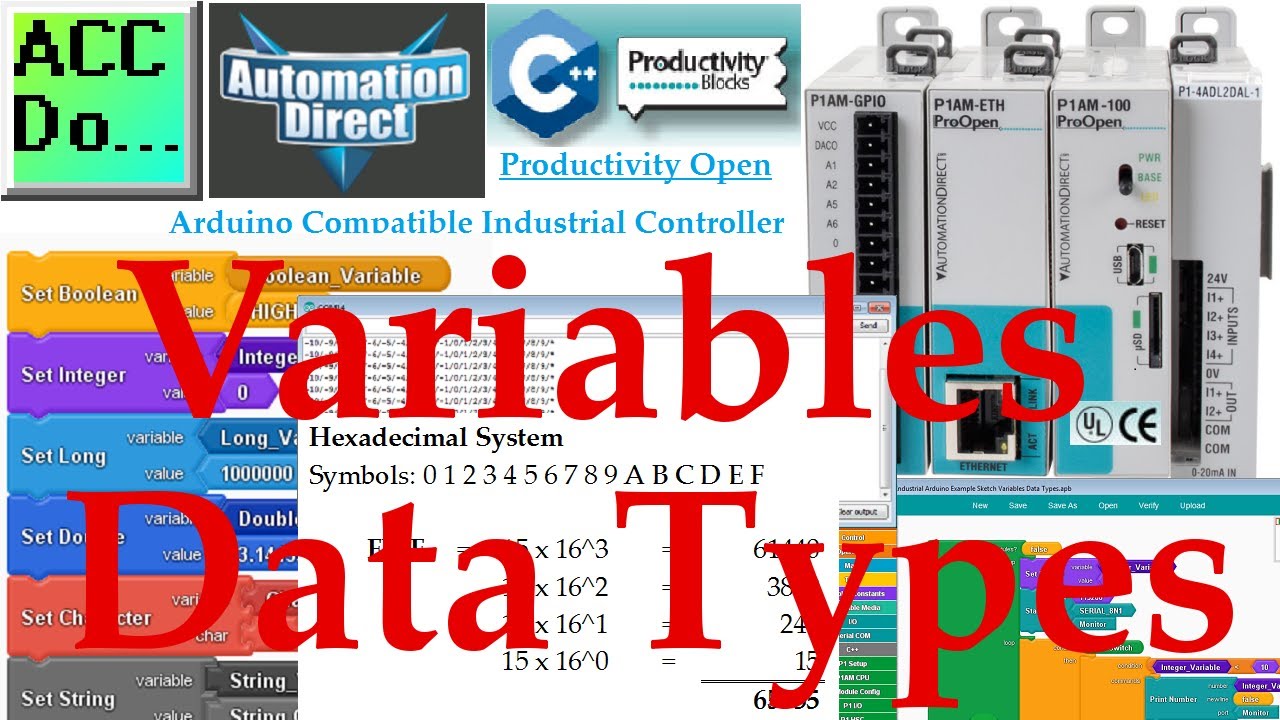
Productivity Open P1AM Arduino Variables Data Types
We will look at Arduino variables data types that can be used with our P1AM unit. Data types in the C++ language are used to determine the variable or function applied for the given type. The type will determine the size of the storage (bits), and the met
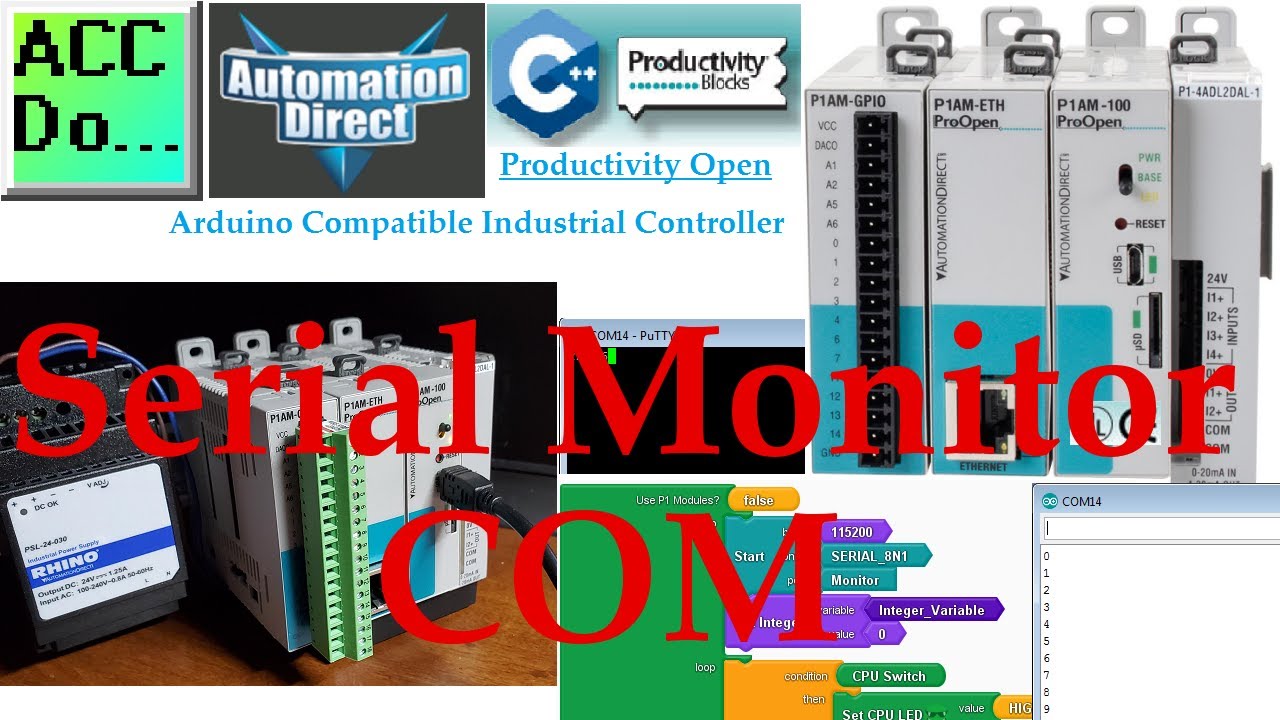
Productivity Open P1AM Industrial Arduino Serial Monitor COM
The Arduino integrated development environment (IDE) has a built-in pop-up serial monitor. The serial monitor can be used to receive and send serial data to our Arduino program. This can be a great feature to help us in debugging or controlling Arduino pr
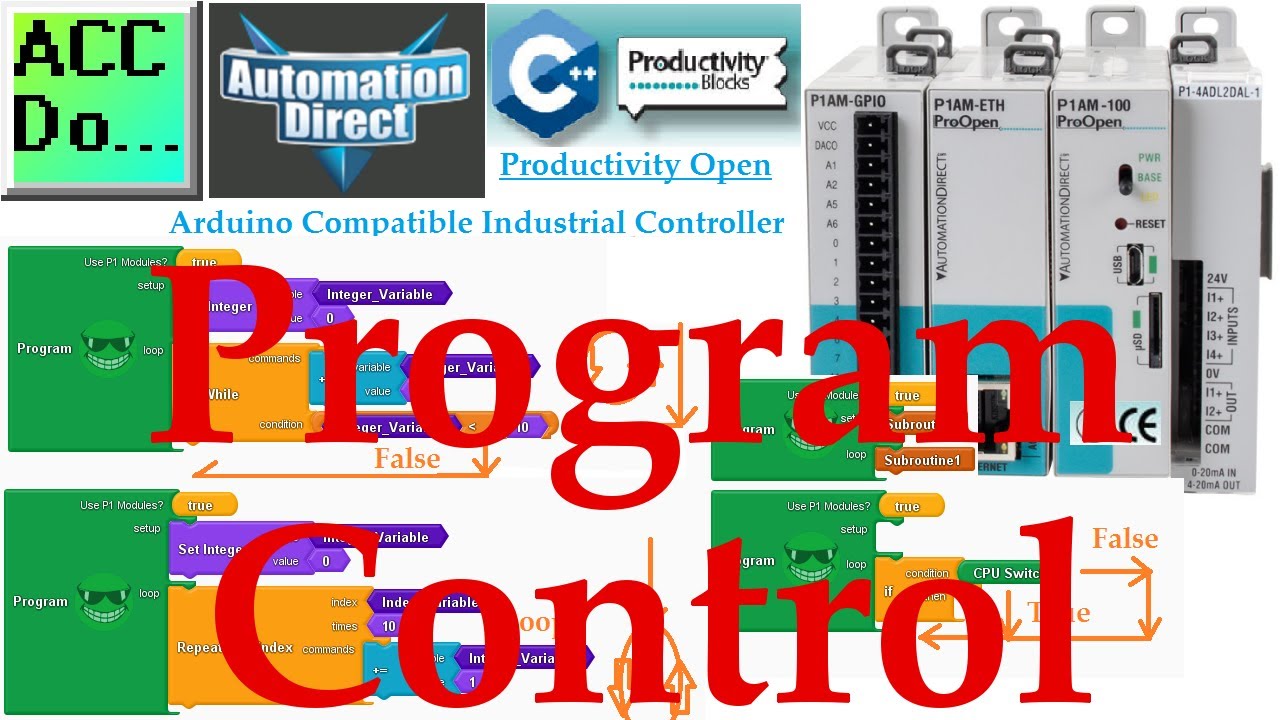
Productivity Open P1AM Industrial Arduino Program Control
Arduino programs (sketches) can be written in thousands of different ways. The best Arduino program control will be determined by the purpose of your program and what you are trying to accomplish. To simplify the logic we will be looking at program contro
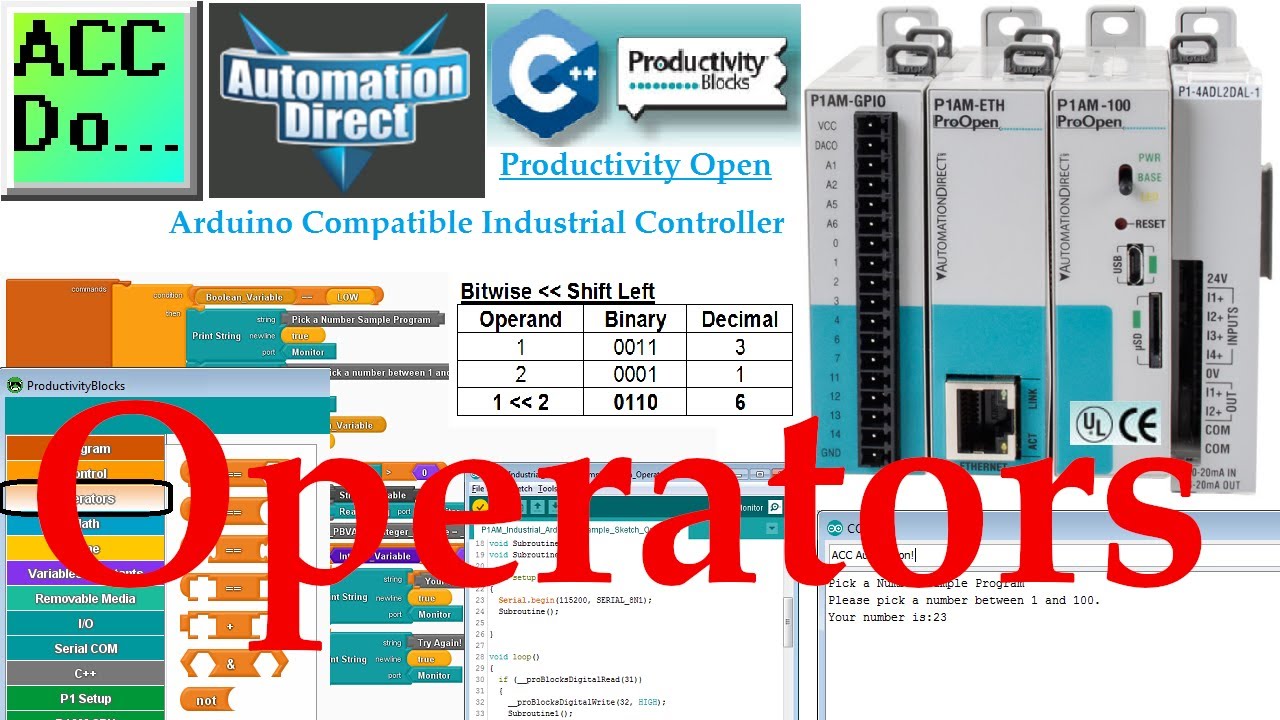
Productivity Open P1AM Industrial Arduino Operators
Operators in your Arduino sketches (programs) consist of comparison blocks, concatenate strings, bitwise operators, string conversion, ‘not’ operator, and compound operators. These operations generally will be used with other instructions in your sketch.
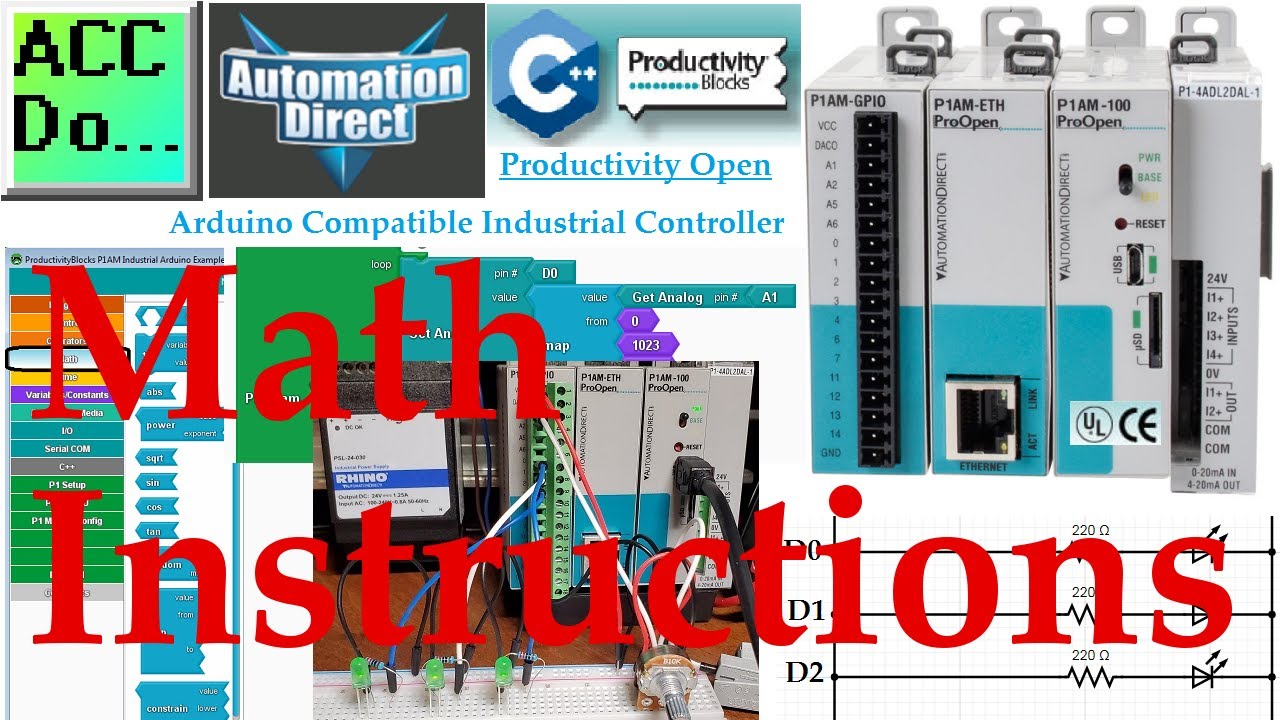
Productivity Open P1AM Industrial Arduino Math Instructions
Math instructions in your P1AM Arduino sketches (programs) consist of arithmetic operations, compound operators, absolute, power, square root, sin, cos, tan, random, map and constrain. P1AM Arduino math will be demonstrated using productivity blocks. More
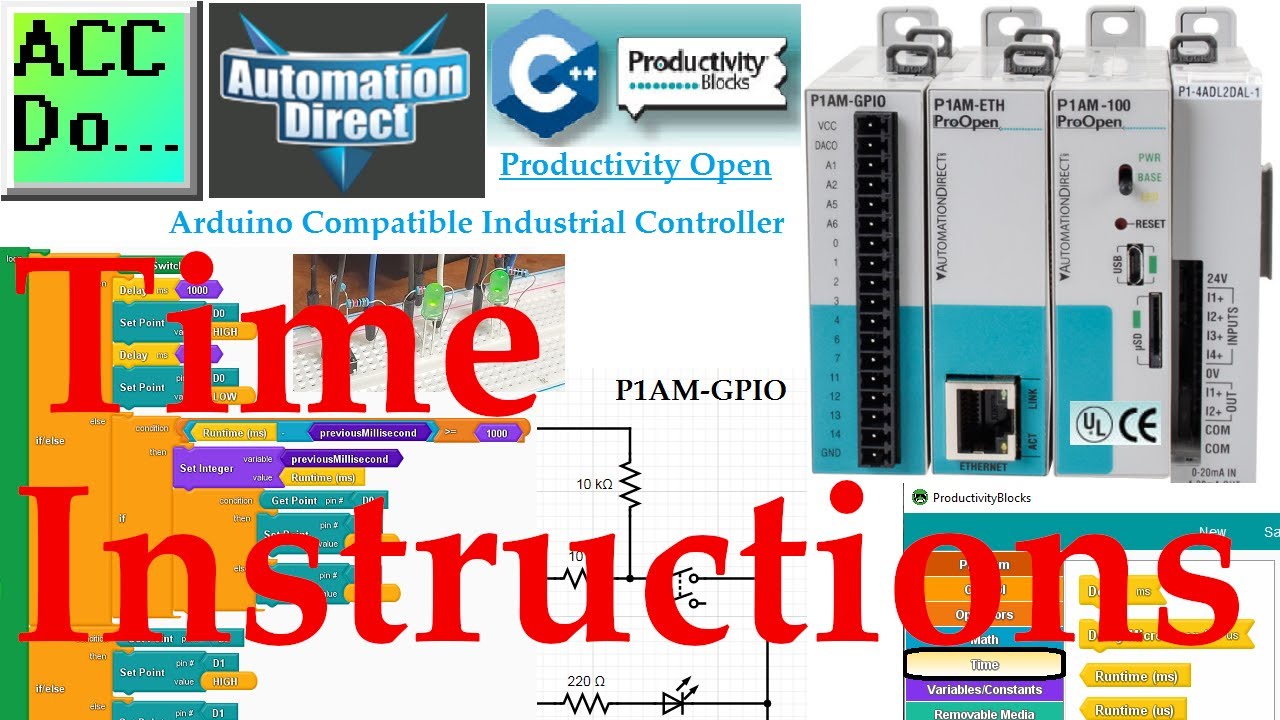
Productivity Open P1AM Arduino Time Instructions
Time instructions in our productivity blocks programming (Arduino sketches) consist of runtime (ms), runtime (us), delay ms, and delay microseconds us. We will be looking at each of these instructions that are available for our program using productivity
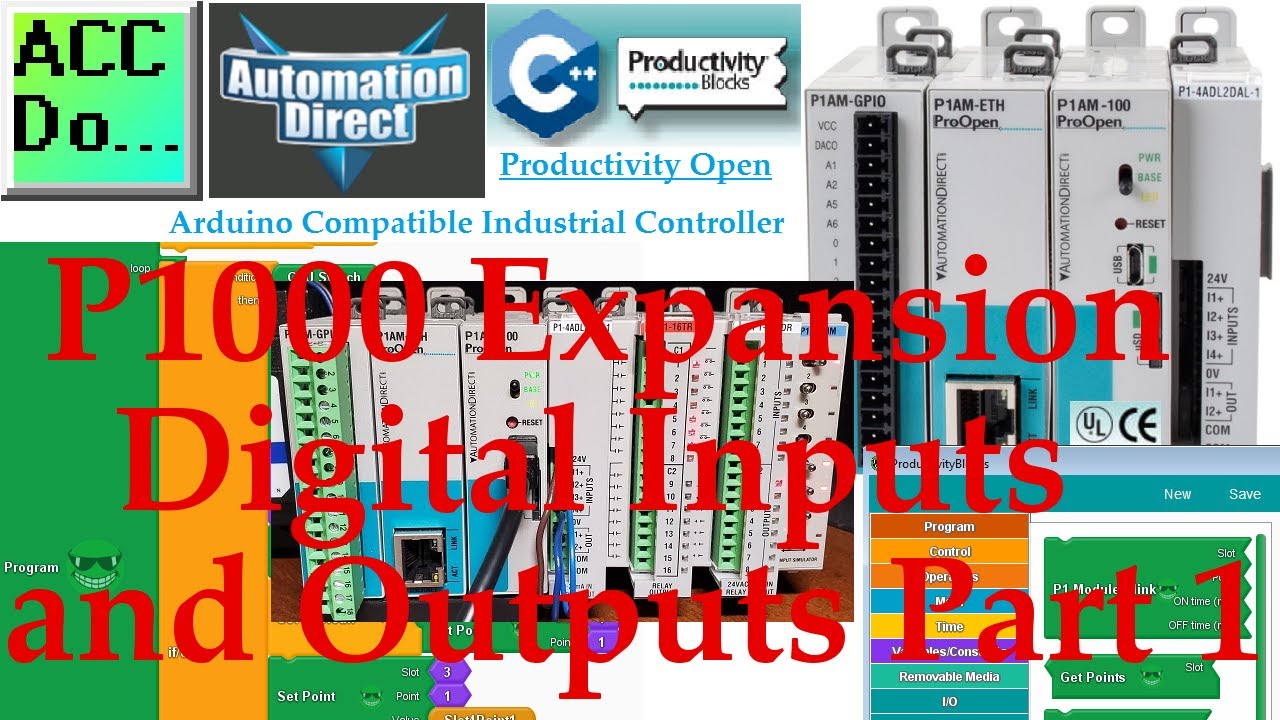
Productivity Open P1AM Industrial Arduino P1000 Expansion Digital Inputs and Outputs Part 1
More information can be obtained on our website. This includes all of the links mentioned in this video. https://accautomation.ca/productivity-open-p1am-industrial-arduino-p1000-expansion-digital-inputs-and-outputs-part-1 The productivity open P1AM I/O i
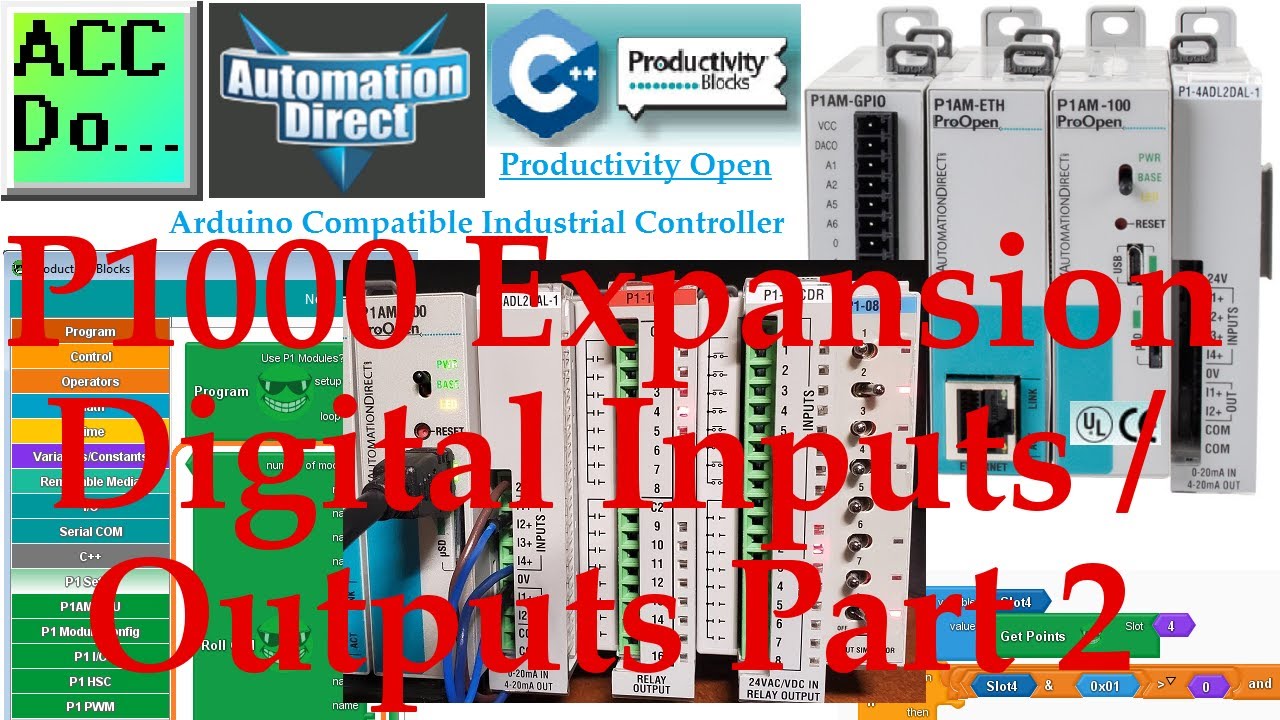
Productivity Open P1AM Industrial Arduino P1000 Expansion Digital Inputs and Outputs Part 2
More information can be obtained on our website. This includes all of the links mentioned in this video. https://accautomation.ca/productivity-open-p1am-industrial-arduino-p1000-expansion-digital-inputs-and-outputs-part-2 The productivity open P1AM I/O i
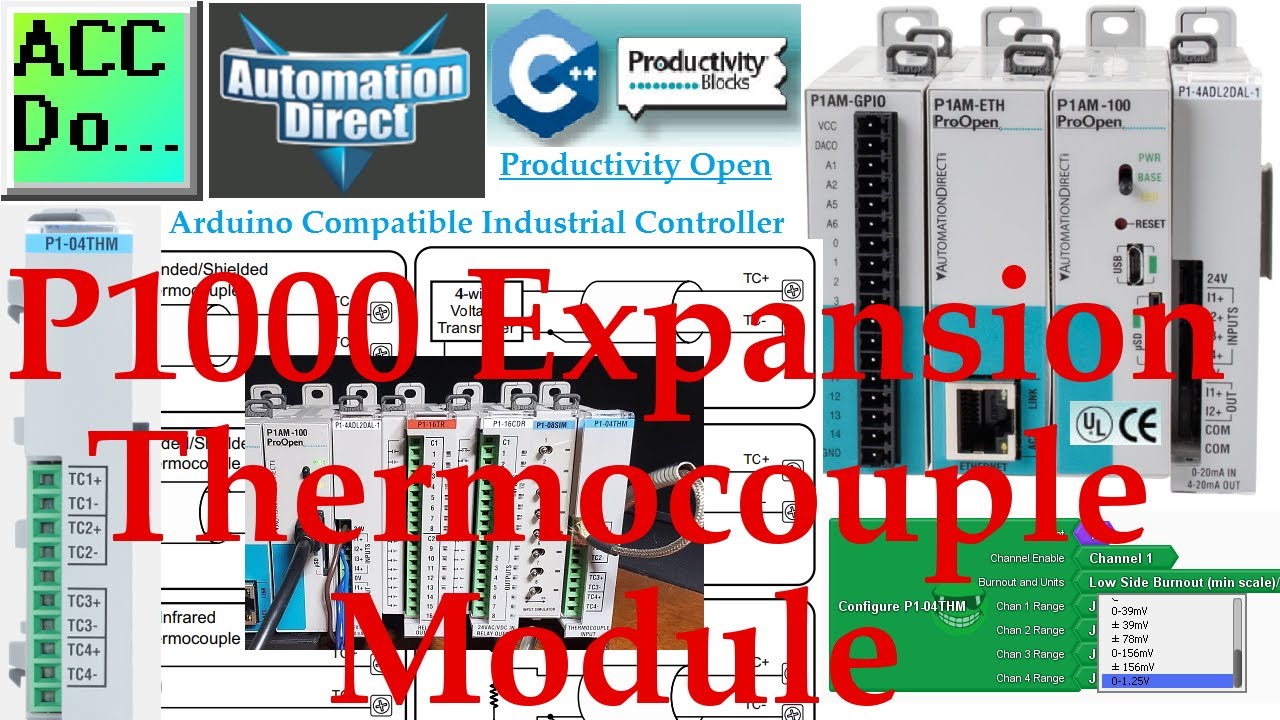
Industrial Arduino P1000 Thermocouple Module Productivity Open P1AM
The productivity open P1AM industrial arduino P1000 thermocouple module can be connected to our P1AM-START1 ProductivityOpen starter kit with Ethernet. We will be programming our arduino thermocouple module using the configuration tool on Github and produ
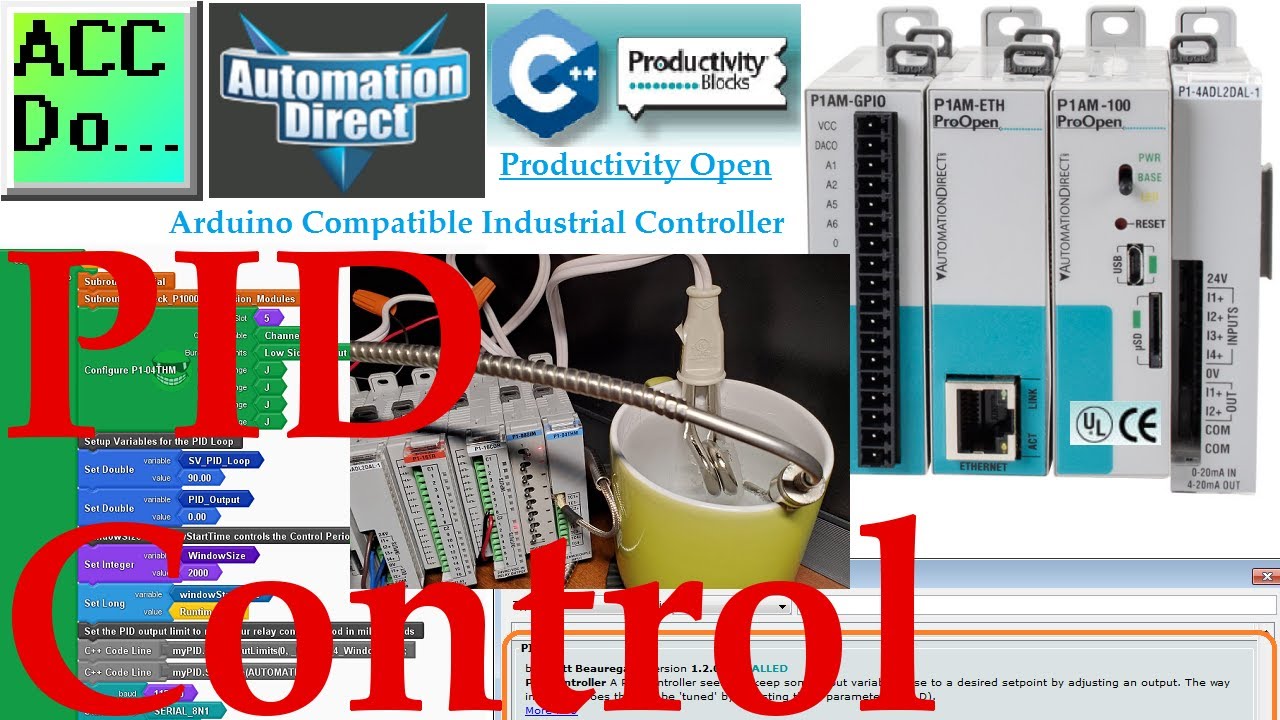
Productivity Open P1AM Industrial Arduino PID Control
PID control can easily be done in the arduino controller. We will be using an immersion heater in a cup of water to keep the temperature at a constant value. Our immersion heater will be controlled through a relay using time proportional control from our
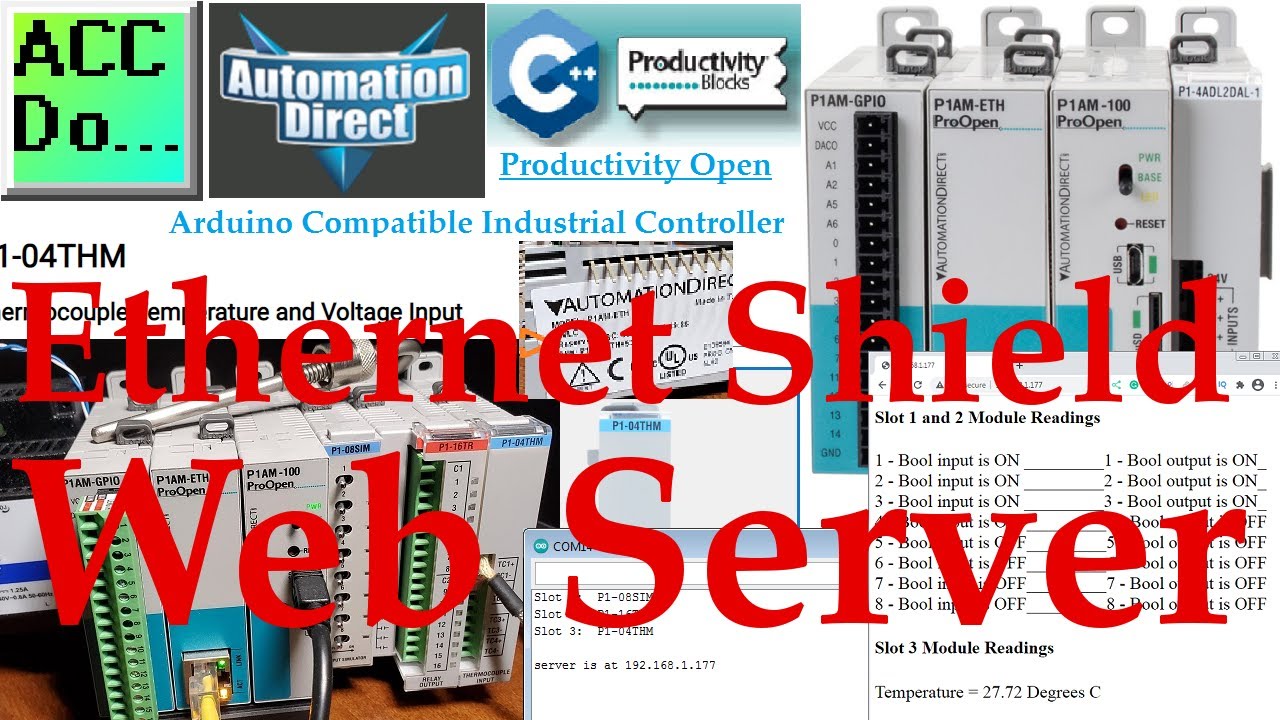
Productivity Open P1AM Arduino Ethernet Shield Web Server
We will now look at the productivity Arduino Ethernet web server that we will implement on our Productivity Open P1AM industrial Arduino controller. This P1AM Web Server Example is based on an example found here. This example uses the productivity open P1
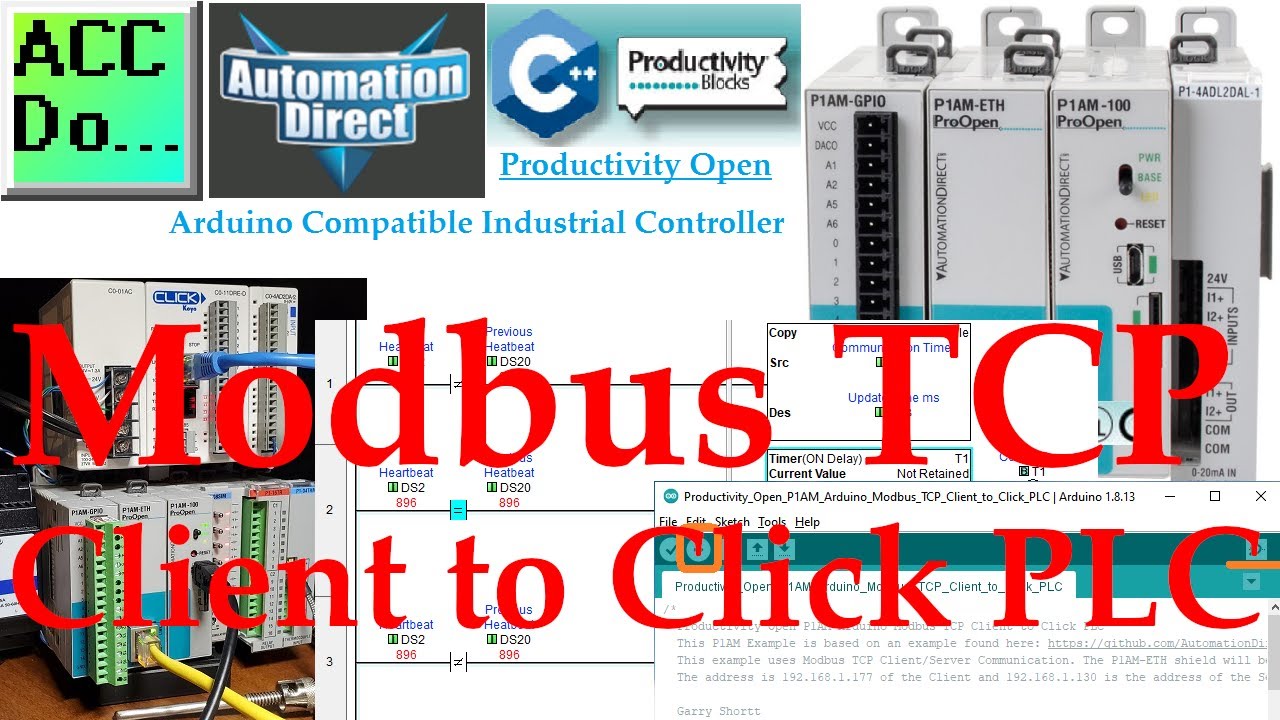
Productivity Open P1AM Arduino Modbus TCP Client to Click PLC
We will now connect our Productivity Open P1AM Arduino to a Click PLC. Using Modbus TCP the Arduino will be the Client (Master) and the Click will be the Server (Slave). We will explain how to connect our P1AM-ETH Industrial Arduino Ethernet Shield to the
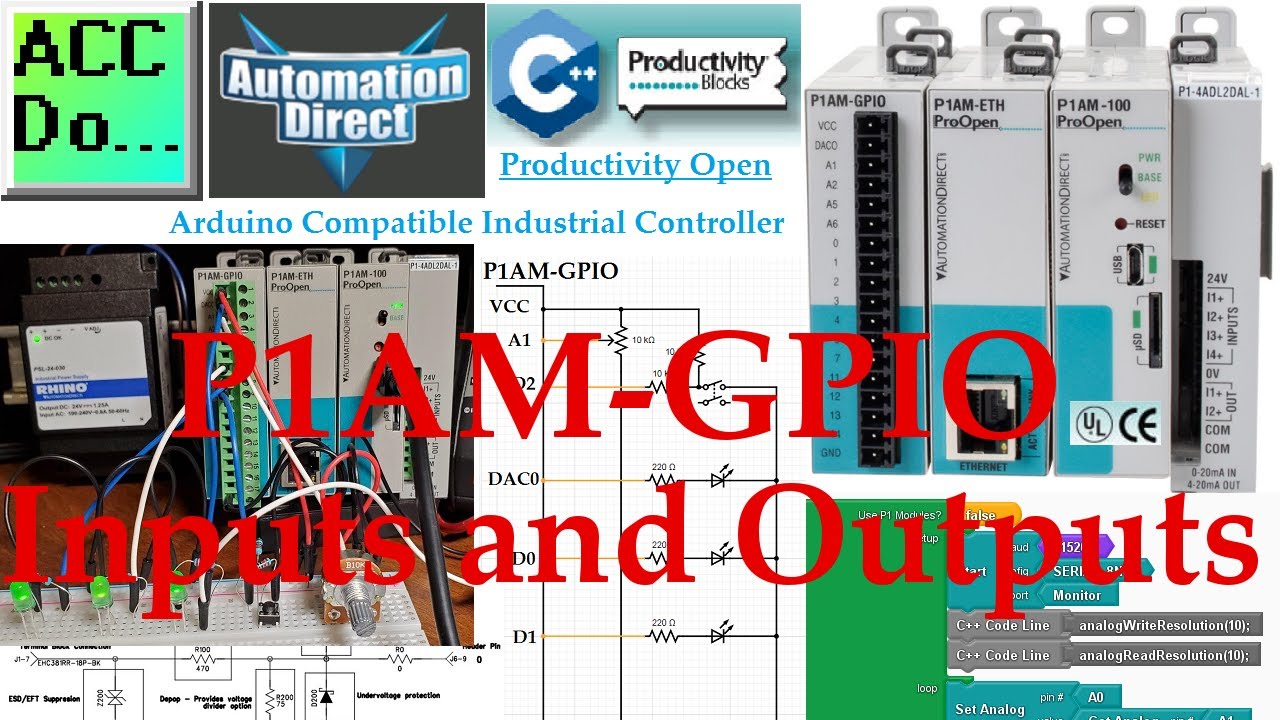
P1AM Industrial Arduino GPIO Inputs and Outputs
The Arduino P1AM-GPIO is an industrial rated shield providing inputs and outputs for the P1AM-100 Arduino system. It provides a connection from most of the P1AM-100 GPIO pins to the front 18 position terminal block connector. We will be looking at the wir
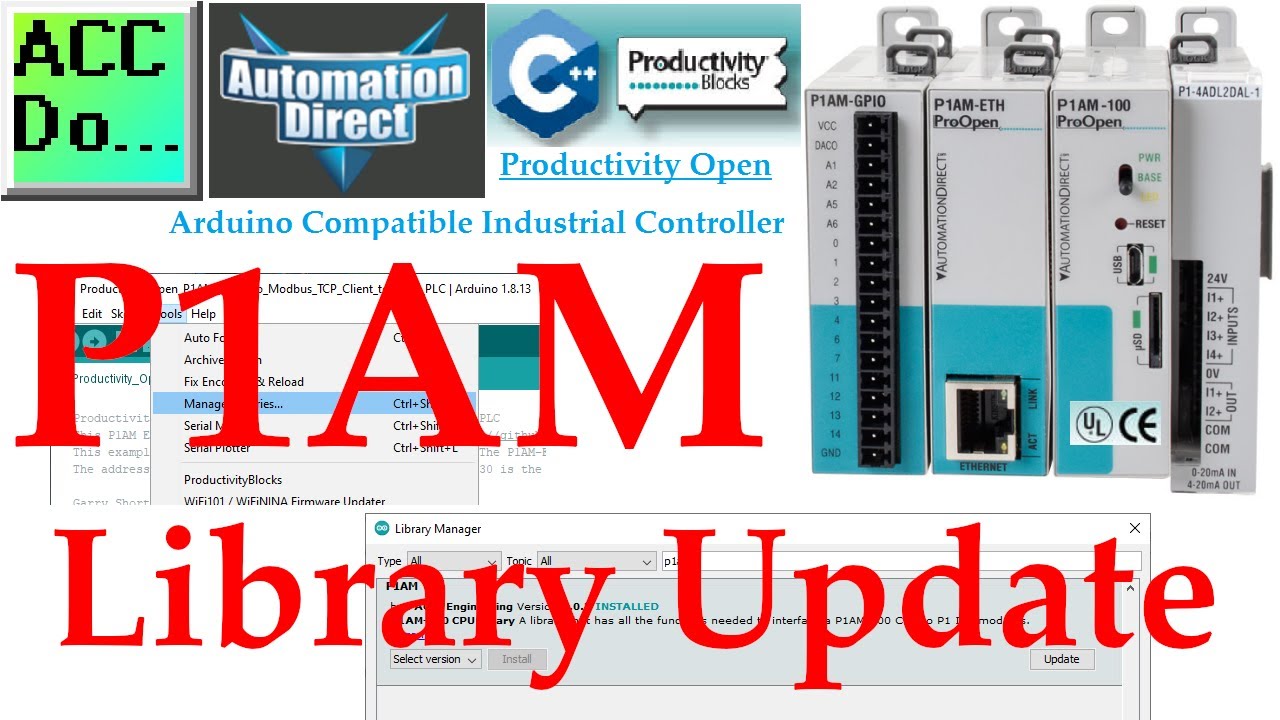
P1AM Open Arduino Library Update
P1AM Open Arduino Library Update You can update the productivity open P1AM library using the Arduino IDE Software. Select main menu | Tools | Manage Libraries... or Ctrl + Shift + l Type in P1AM in the filter search and press enter. Select the update butt