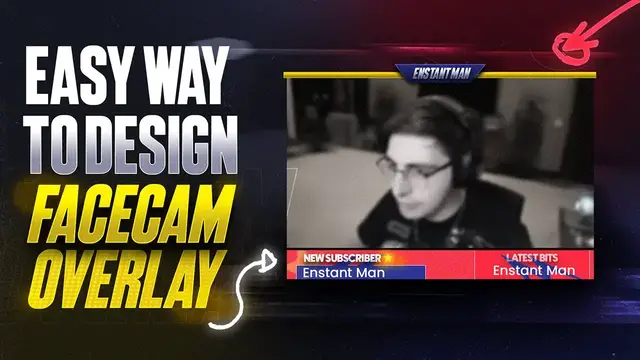

How to design clean Facecam Overlay border in 2022 with photopea
Sep 11, 2022
Today, we will be creating this clean-looking facecam/webcam border overlay for free.
💎 Get Premium Stream Assets for any Niche you are in: https://own3d.gg/enstant-pro
⭐ Use this CODE ➝ EMSQ to enjoy 50% Off on all products.
➦ OWN3D Pro: https://own3d.gg/enstant-pro
➦ OWN3D: https://own3d.gg/enstant
EM Says: I will get a small commission but no extra cost to you. It will support my Channel to keep going. Thank you.
------------------------
🚧 Blog post link: https://awsm.link/lmAsu 🚧
Hello beautiful people, welcome back to another stream facecam overlay design tutorial. Today, we will be creating this clean looking facecam overlay for free.
Are you looking to create a clean and professional-looking facecam overlay for your next video? Look no further! This video will show you how to create a free facecam overlay using photopea.com. So whether you're a beginner or an experienced video editor, this tutorial is for you. So watch the video and learn how to create a stunning facecam overlay in minutes!
Don't worry; I will show you every step. If you have never opened any design tool, you can create your own facecam or webcam overlay border without any issue.
🎯 Resources I use daily:
Show More Show Less #Skins, Themes & Wallpapers
#Photo & Video Sharing
#Photo & Image Sharing
#Video Sharing